

10 Best Event Platforms for Salesforce and Dynamics in 2026

If your CRM still shows last week’s attendee data while your event wrapped up yesterday, your integration isn’t doing its job. For teams running events on Salesforce or Microsoft Dynamics 365, the wrong platform means duplicate contacts, missed leads, and sales follow-up that comes days too late.
When attendee, registration, engagement, and lead data move cleanly between your CRM and event platform, your event tech stack works at its best. Without reliable syncing, teams end up dealing with duplicate records, delayed reporting, and disconnected workflows during critical event moments.
In this guide, we’ve broken down 10 event management software tools based on their compatibility with Salesforce and Microsoft Dynamics. We’ll discuss integration depth, data flow capabilities, and their best use cases.
How to determine the best event management tools for Salesforce and Microsoft Dynamics 365 integration
It’s not enough to push basic registration data; the tool you choose has to support real-time analytics and integration in one centralized system. Here’s a quick rundown of what to consider when evaluating these tools:
1. Native vs third-party CRM integration
Consider whether the event management software connects directly with Salesforce and Microsoft Dynamics or depends on external tools and middleware as a link.
Native event software integrations are usually stronger because they require less setup effort or time and have a lower learning curve. They also tend to be more stable and accurate compared to third-party integrations, especially if you work with large volumes of data.
2. Real-time vs batch data syncing
EventsAir’s 2026 State of Events Report showed that 82% of respondents rely on attendee feedback for event success. Collecting that feedback in real time, rather than after the fact, makes it actionable.
That’s why it’s important to evaluate how quickly information moves from the event platform into the CRM. Platforms that sync in real time update your records immediately, and this is especially important for teams that rely on real-time insights to initiate follow-up workflows.
In contrast, batch data syncing updates at intervals. That means you miss the chance to adjust sessions or engagement strategies instantly, and your CRM insights could arrive too late to act on.
3. Bidirectional data flow
Consider whether the software allows data to move from the event platform into the CRM and back. For example, CRM data can be used to personalize invitations, while event engagement data flows back into Salesforce or Dynamics. It’s essential to have a single, aligned database instead of fragmented datasets.
Here’s what that can look like in practice:
4. Data mapping and CRM field flexibility
This refers to how easily the platform allows users to match event data, such as registrations or exhibitor leads, to the right fields inside Salesforce and Microsoft Dynamics.
Strong mapping makes reporting clearer and helps teams understand event ROI without manual data cleaning afterward.
10 Best event management tools for Salesforce and Microsoft Dynamics 365 integration
With a clear view of what strong integration requires, it’s easier to see the significant differences between each platform and how they compare against each other.
Each platform interacts differently with Salesforce and Microsoft Dynamics 365, with some offering deeper, more reliable integration for CRM-driven event teams.
We’ve studied, tested, and handpicked the 10 top event management tools with Salesforce and Microsoft Dynamics integration to guide you below:
1. EventsAir
Best for: Full event lifecycle management with the only native bidirectional integration for both Salesforce and Microsoft Dynamics 365
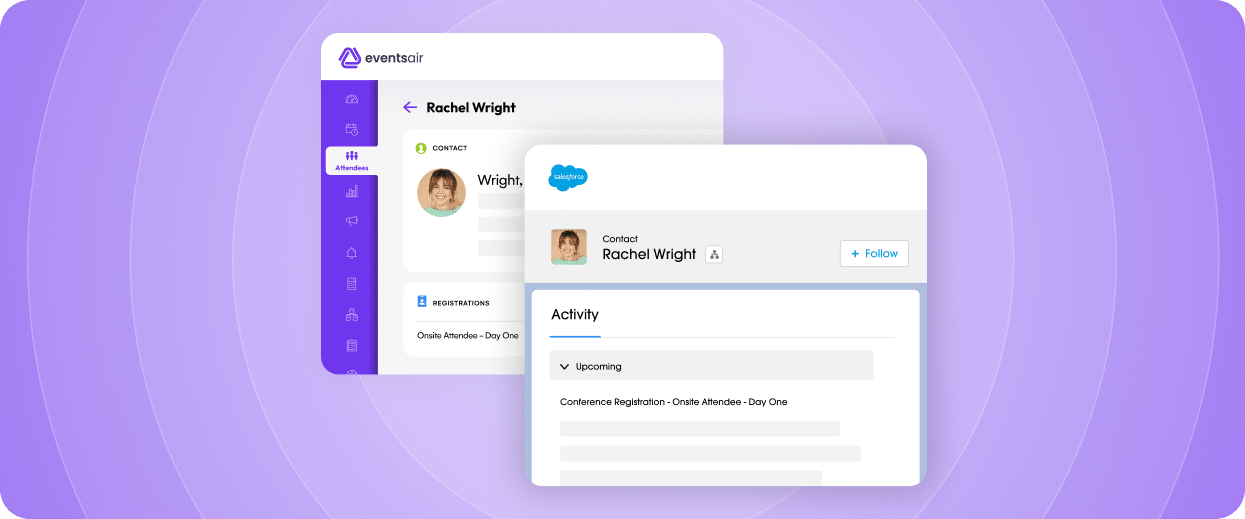
EventsAir is designed for organizations running complex event programs that depend on reliable CRM connectivity across registration, engagement, reporting, and attendee management workflows. It eliminates the need for multiple disconnected tools by consolidating everything into a single system.
EventsAir is the only platform on this list with native, pre-built bidirectional integration for both Salesforce and Microsoft Dynamics 365 — no middleware, no custom API work. Through Smart Connectors, EventsAir enables syncing of registrations, cancellations, check-ins, event insights, and contact updates directly into CRM systems.
This is particularly useful for enterprise organizations managing recurring conferences, partner programs, or multi-event portfolios where accurate reporting and lead tracking are critical.
EventsAir’s native integrations create or update a CRM contact, link them to campaigns or customer records, and help trigger follow-up workflows based on onsite event activity. This reduces manual data handling and improves real-time event management.
Key features
- End-to-end event lifecycle management: Reduces platform switching by managing registrations, cancellations, attendee communication, and reporting within a single system.
- Smart Connectors: Simplifies integration setup with pre-built, no-code connectors for Salesforce, Microsoft Dynamics 365, Monday.com, HubSpot, and other CRMs.
- Real-time data syncing: Keeps CRM records continuously updated during onsite events, allowing sales and marketing teams to respond to attendee activity while engagement is still high.
- Lead retrieval tools: Help exhibitors capture, organize, and manage leads directly for faster and more reliable post-event follow-up.
- Analytics and reporting: Provides onsite event insights and post-event data for performance and ROI tracking.
Pricing
EventsAir uses quote-based pricing, with plans shaped around event volume, organization needs, and required services or add-ons.
Pros
- Strong all-in-one platform reduces reliance on multiple event tools
- Native CRM integration with Salesforce and Microsoft Dynamics 365
- Real-time syncing improves sales and marketing responsiveness
- Highly reliable for large-scale and complex event environments
- Smart Connectors optimize manual data transfer with minimal setup effort
- Intuitive, easy-to-use interface
Cons
- May require initial onboarding and tutorials for first-time users
2. Cvent
Best for: Large-scale enterprise conferences and corporate events
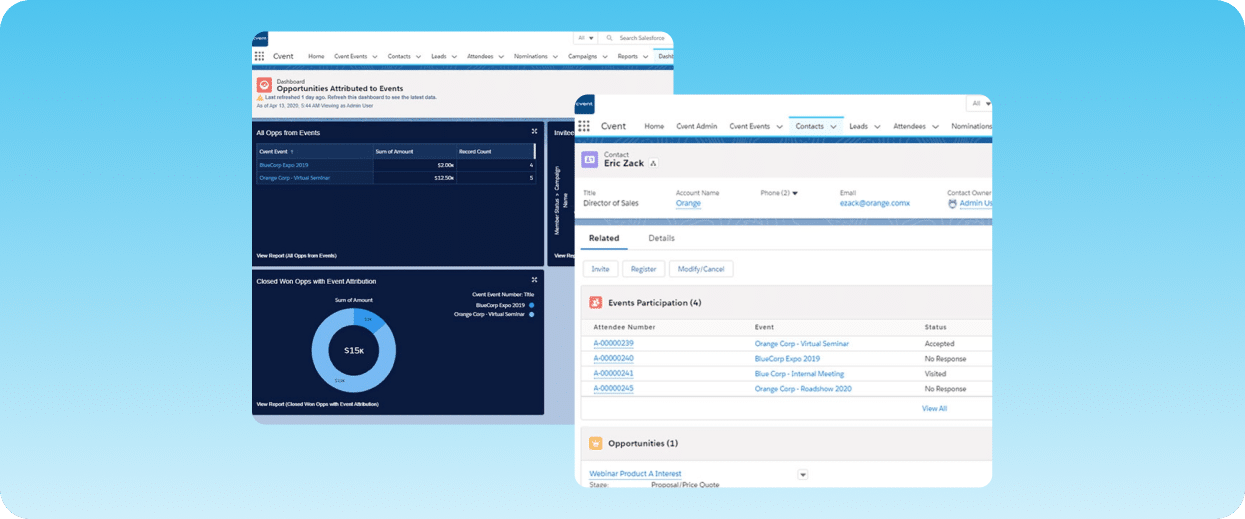
Cvent’s mature ecosystem makes it appealing to enterprise organizations that need large-scale event and accommodation management alongside mature Salesforce connectivity and extensive workflow customization.
With its native Salesforce integration, it supports attendee syncing, campaign tracking, lead management, and reporting workflows. Microsoft Dynamics 365 integrations are possible through APIs, connectors, or implementation partners, giving larger organizations flexibility but potentially requiring additional configuration.
However, smaller teams may find the platform more complex and resource-intensive than lightweight event tools designed for quick deployment.
Key features
- Native Salesforce integration: Allows direct connectivity and bidirectional data flow with Salesforce via the AppExchange feature.
- Microsoft Dynamics 365 integration: Connects attendee and registration data with Dynamics CRM records through its third-party integration ecosystem.
- Hotel and accommodation management: Handles venue sourcing, room blocks, attendee hotel bookings, and travel coordination within the event workflow.
- Advanced reporting and lead tracking: Tracks audience engagement and post-event activity to support sales follow-ups and event ROI reporting.
Pricing
Cvent offers two pricing options, both quote-based:
- Professional: Offers 10 user logins, event management, and venue sourcing features
- Enterprise: Offers all Professional plan features plus unlimited user logins, API access, budget management, and enterprise licenses.
Pros
- Strong Salesforce integration and campaign tracking capabilities
- Well-suited for large, multi-layered event programs
- Detailed reporting and attendee management tools
Cons
- Less-pronounced Microsoft Dynamics integration compared to some competitors
- Setup and onboarding can be time-intensive
- Navigation can feel complex for new users
3. InEvent
Best for: AI-enhanced workflows for highly specialized teams and events
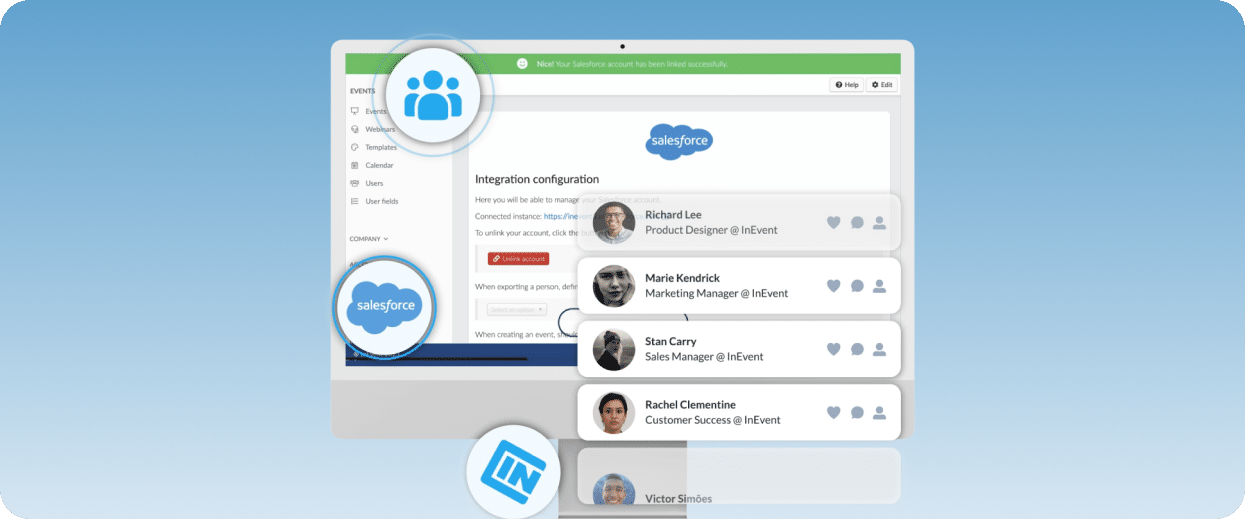
InEvent is another major event management software fit for in-person, virtual, or hybrid events, with emphasis on CRM and marketing automation connectivity.
Its integration ecosystem offers native connections with Salesforce, allowing bidirectional data flow, from attendee information to lead and engagement updates, between both platforms. Similar capabilities exist for Microsoft Dynamics 365, but through InEvent’s Rest API.
This makes it flexible for organizations with mixed tech stacks, but more configuration-heavy outside its core, built-in integrations.
Key features
- Integrations ecosystem: Connects with 40+ enterprise tools and CRMs, including Salesforce and Microsoft Dynamics, through native integrations and a fully documented API.
- AI-powered event solutions: Includes AI facial recognition check-in, photo matching, website building, and transcription for fast, personalized event setup.
- Setup and engagement tools: Supports registration, ticketing, live streaming, and virtual stages in one user-friendly platform.
- Analytics: Provides real-time event analytics, post-event performance insights, and feedback tools.
Pricing
InEvent’s platform costs from $6000 upwards for single events or a $9000 annual subscription. Pricing plans are quote-based, with the following offerings:
- V&H Advanced: Offers custom branding, engagement tools, and basic integrations
- V&H Pro: Offers Advanced plan features plus additional integrations, including Microsoft Dynamics, and AI tools
- V&H Full: Access to full feature list, including housing management, AI tools, engagement tools, and custom integrations
Pros
- Robust AI-powered automation
- CRM integrations and marketing automation support
- Structured onboarding resources
Cons
- Setup can be complex for beginner teams integrating non-native systems like Microsoft Dynamics
- Limited analytics customization for highly specific data requirements
- Some reviews note that troubleshooting and reporting features can sometimes lack clarity
4. Blackthorn
Best for: Salesforce-specific integrations and workflows
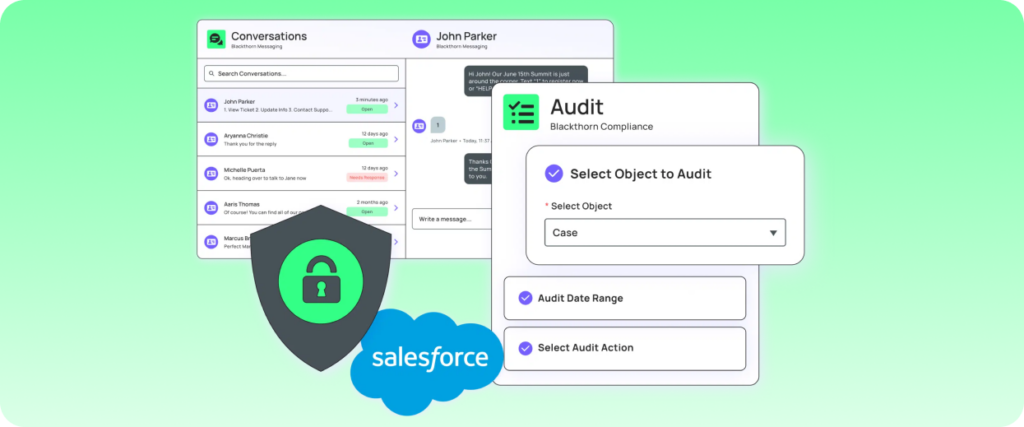
Blackthorn’s differentiator is that it runs entirely inside Salesforce. It turns the CRM into a full event management and payment tool, offering registration, event ticketing, attendee tracking, and post-event insights right in the platform.
It’s a good fit for teams that want to manage events and exchange data bidirectionally between both platforms without adding external, disconnected tools.
However, Blackthorn’s Salesforce-only ecosystem does not offer integrations with Microsoft Dynamics 365. This makes it extremely strong for Salesforce-first organizations, but less flexible for mixed CRM environments compared to API-heavy platforms.
Key features
- 100% Salesforce native architecture: Events, registrations, payments, and attendee data all live directly inside Salesforce with no external syncing required.
- Webinar integrations: Supports seamless virtual events through direct integrations with tools like Zoom, Webex, and Microsoft Teams.
- Payments and ticketing: Allows you to maximize revenue flow with paid events, donations, subscriptions, and integrated checkout flows inside Salesforce.
- Analytics and reporting: Provides feedback tools and detailed reporting dashboards with AI-powered insights for event ROI, attendance, and engagement tracking.
Pricing
Blackthorn pricing is custom and typically priced based on event volume and selected modules, whether Event Navigator, Payments, or Messaging.
Pros
- Salesforce-native integration with no external data syncing needed
- Stable architecture and minimal integration maintenance
- Easy setup and use
Cons
- No Microsoft Dynamics 365 support
- Limited customization and less flexibility for hybrid or multi-CRM stacks
- Requires extensive Salesforce knowledge for full event management configuration
5. RainFocus
Best for: Large-scale, enterprise B2B events
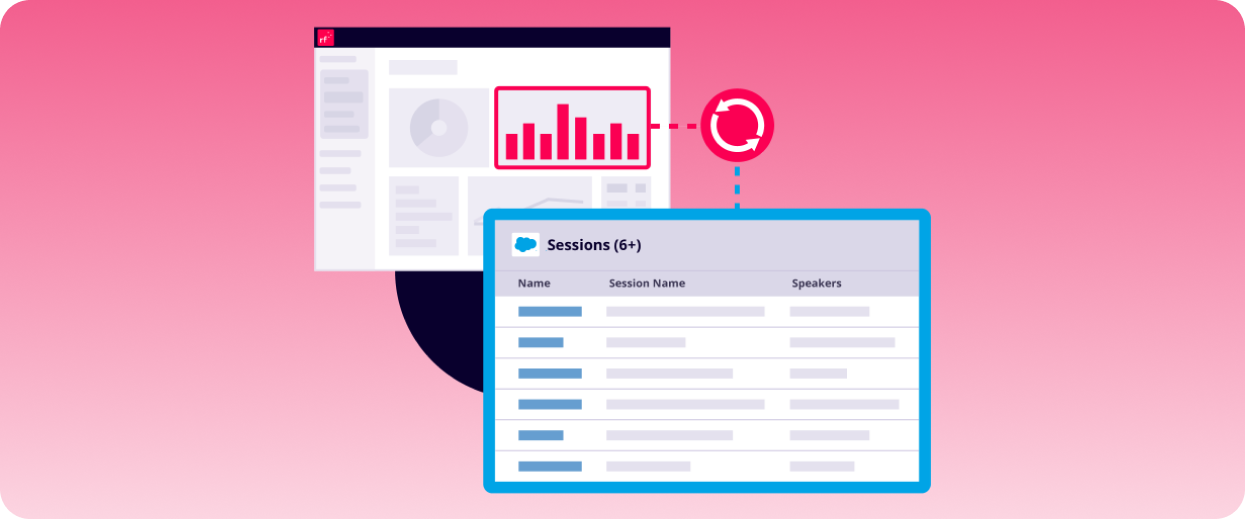
RainFocus is an enterprise event management and data platform designed for large-scale conferences and B2B programs.
Built on a unified data and integration layer, it prioritizes event data orchestration, attendee intelligence, and deep integrations with enterprise marketing and CRM systems.
RainFocus offers direct integrations with Salesforce, pushing real-time data and event insights into the CRM for lead scoring, activation, and reporting. Meanwhile, integration with Dynamics 365 typically works through API or middleware-based data pipelines.
Key features
- Unified experiences: Connects registration, content, and exhibitor tools in one system for consistent, personalized attendee experiences
- On-site and engagement tools: Offers badge printing, check-in systems, mobile apps, and session tracking for better access control at in-person events
- Attendee intelligence and personalization: Uses behavioral and engagement data to personalize content, sessions, and recommendations
- Advanced analytics & reporting: Data-backed insights with real-time dashboards for engagement, ROI, pipeline attribution, and cross-event insights
Pricing
RainFocus does not publicly display pricing info. Contact their customer support for pricing details.
Pros
- Enterprise-grade data analytics capabilities
- Deep integration with CRMs, including Salesforce
- Excellent for managing large-event programs
Cons
- Steep learning curve compared to simpler platforms
- Microsoft Dynamics 365 integration requires API or middleware setup
- Less suitable for small teams or smaller-scale events
6. Bizzabo
Best for: Events with specific marketing and audience engagement needs
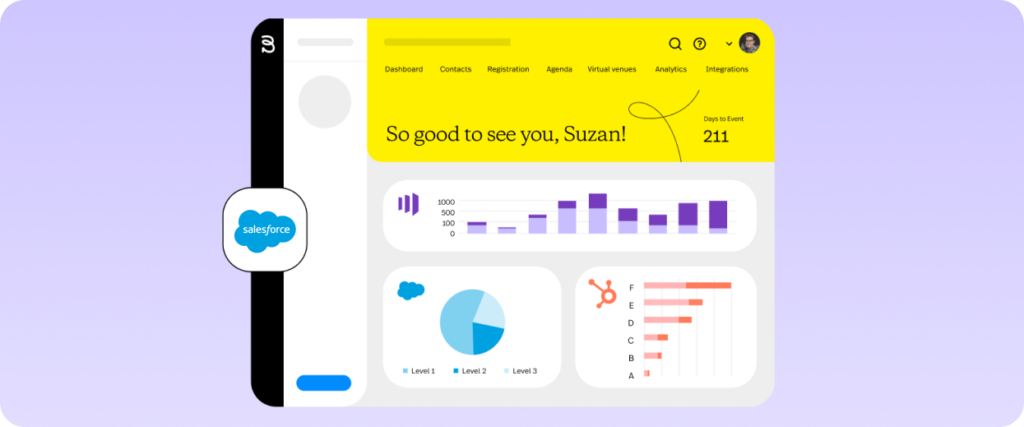
Bizzabo is an event management platform focused on event experience, engagement, and event marketing.
Its emphasis on attendee behavior and pipeline performance makes it popular with teams prioritizing marketing and audience interaction. However, it offers less depth for complex operational needs like budget management or full end-to-end event execution in a single system, unlike more operationally complete platforms.
Bizzabo natively connects with Salesforce and supports Microsoft Dynamics 365 via its API and middleware. These integrations allow teams to track and move attendee activity data, trigger sales follow-ups, and connect event engagement to pipeline reporting.
Key features
- Integrations: Syncs registration and engagement data into Salesforce and Microsoft Dynamics 365, with more robust Salesforce capabilities.
- Event marketing: Built-in campaign and promotional tools for driving interest before the event.
- Engagement analytics: Provides insight into attendee interactions and engagement across sessions and activities.
- On-site event management tools: Supports smooth in-person attendee management with check-in tools, badge printing, and session tracking.
Pricing
Bizzabo’s event software costs $499/user per month, billed annually, offering unlimited events and registrations, campaigns, reporting, and event apps.
Add-ons like the Klik SmartBadge wearable, CRM integrations, and API access come at additional quote-based costs.
Pros
- Strong attendee engagement and event experience tools
- Salesforce integration for marketing and reporting workflows
- Clean, straightforward interface
Cons
- Microsoft Dynamics integration requires additional configuration
- Some users report limited reporting customization options
- Better suited for marketing-led events than highly operational event programs
7. vFairs
Best for: Virtual and hybrid event needs
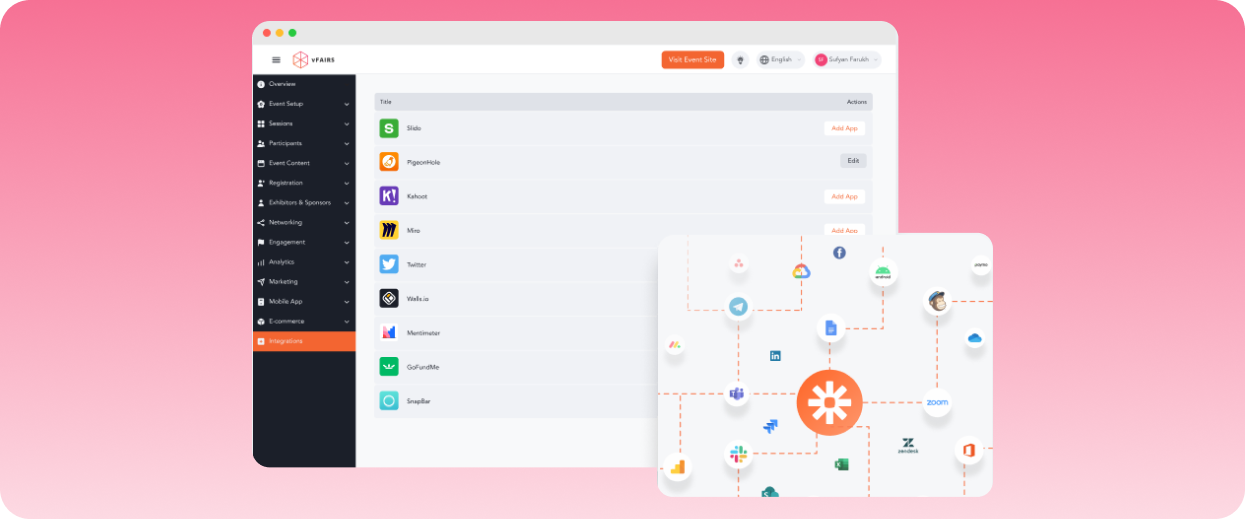
vFairs is common for virtual and hybrid events where attendee engagement and lead capture data need to feed into broader sales and marketing software. This combination makes it work well for career fairs, trade shows, conferences, and expos, where post-event lead follow-up is a major priority.
With its native Salesforce integration, you get bidirectional data flow that helps exhibitors and event teams sync attendee registrations, booth interactions, lead capture activity, and engagement data into CRM workflows.
However, vFairs relies on Zapier-based workflows to move data to Microsoft Dynamics 365 or update attendee information between systems.
Key features
- Native Salesforce integration: Syncs attendee, lead, and engagement data into Salesforce workflows directly.
- Virtual and hybrid event environments: Supports virtual booths, networking lounges, webinars, and live sessions.
- Event content management: Creates agendas with AI-assisted writing and organizes marketing campaigns for high engagement.
- Event analytics and reporting: Tracks real-time engagement, attendance, and post-event performance metrics.
Pricing
vFairs uses custom pricing based on event size, format, and feature requirements.
Pros
- Interactive event experience tools
- Easy-to-navigate event app and environment
- Several users report exceptional customer support
Cons
- Limited customization options and feature access
- Less advanced analytics and reporting
- No native integration for Microsoft Dynamics 365
8. Stova (formerly Meetingplay and Aventri)
Best for: Complex, on-site operational event needs
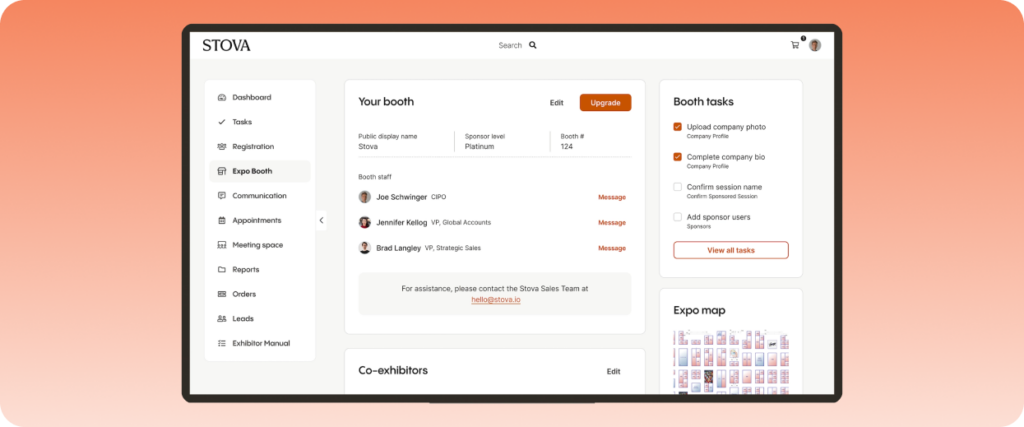
Stova is geared toward enterprise organizations that need flexible event workflows, onsite functionality, and customizable CRM integrations. Its flexibility benefits enterprises managing multi-team approval structures, custom reporting requirements, or large sponsor and exhibitor programs.
On integrations, Stova supports native connectivity and bidirectional dataflow for moving event reports, engagement insights, and lead data inside Salesforce.
However, there’s less focus on out-of-the-box support for Microsoft Dynamics 365. Instead, it relies on its open API for external platform connections and data synchronization.
Key features
- Event registration and marketing: Provides custom registration workflows, event websites, email campaigns, and CRM integrations.
- Exhibitor and sponsor management: Facilitates higher revenue with lead capture, exhibitor portals, sponsor dashboards, and all-around lead management.
- On-site solutions: Includes logistical support for in-person events with badge printing, check-in kiosks, access control, and session scanning.
- Event intelligence suite: Enables data-driven decision-making through real-time performance tracking, revenue reporting, and engagement analytics.
Pricing
Stova lists three pricing plans:
- Core: Costs $1,995 base fee plus $3.00 per registration. Includes virtual platform, reporting, and API.
- Pro: Costs $5,995 base fee plus $4.50 per registration. Includes all Core plan features, advanced analytics, branded app, and broadcast studio.
- Enterprise: Costs $12,995 base fee plus $5.60 per registration. Includes Pro features, premium integrations, onsite lead capture, and virtual tools.
Pros
- Several users report strong customer support
- Comprehensive platform for event management
- Powerful reporting and analytics
Cons
- Time-intensive setup process for beginner users
- No built-in Microsoft Dynamics 365 integration
- Limited customization flexibility across modules
9. Eventbrite
Best for: Simple, organic event advertising and ticketing
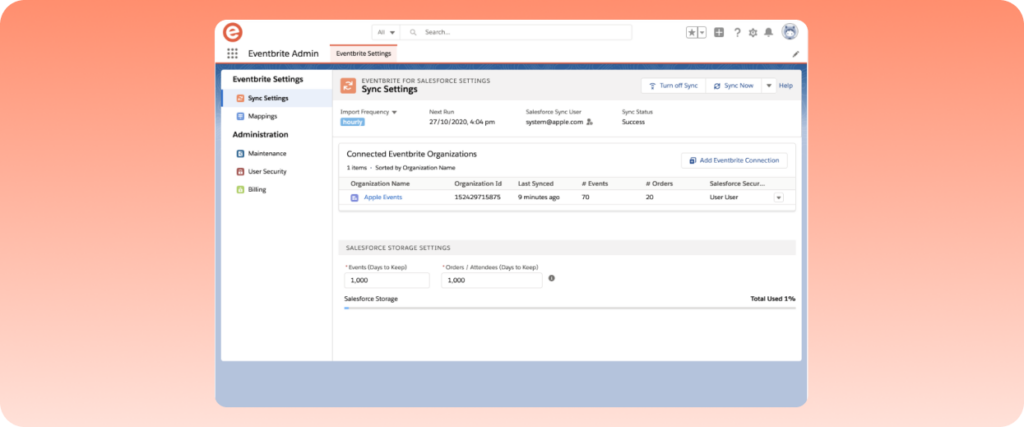
Eventbrite is a self-service event management and ticketing platform commonly used for smaller hybrid, virtual, and in-person events. Its ease of use and built-in event discovery marketplace make it a practical option for organizers who want simple registration and event advertising workflows without heavy implementation requirements.
Eventbrite supports native integrations with popular business tools, including Salesforce. Its built-in app connects the two platforms directly, allowing you to create and update event information, send campaigns, and enrich leads, all without leaving Eventbrite’s environment.
Microsoft Dynamics 365, however, is less pronounced than Salesforce, as it connects through Zapier or APIs only. Generally, Eventbrite is better suited for lightweight CRM integration rather than advanced customization or syncing.
Key features
- Event ticketing and registration: Allows organizers to create custom ticket types, registration forms, and secure checkouts for smoother event planning.
- Event discovery marketplace: Promotes events for easy discovery by local users.
- Engagement management tools: Keep attendees interactive with automated reminders, mobile check-in, and waitlists.
- Integrations: Connects natively with multiple platforms across industries, including Salesforce.
Pricing
Eventbrite charges no fee for free events, while paid events cost 3.7% + $1.79 service fee per ticket and a 2.9% payment processing fee.
For larger events, it offers two custom plans: the Pro plan for better marketing and reach, and the Sales partnership plan for complex events.
Pros
- Affordable, easy-to-use platform
- In-depth event discovery and promotion features increase visibility
- Comprehensive suite for basic, small-scale event ticketing, planning, and payments
Cons
- Limited customization and branding flexibility
- Limited engagement features
- Weak integration depth compared to competitors
10. Whova
Best for: Engagement-focused conferences and association events needing lightweight integrations
Whova focuses on attendee engagement, networking, and event community-building, making it a popular choice for conferences, association events, and mid-to-large multi-track gatherings.
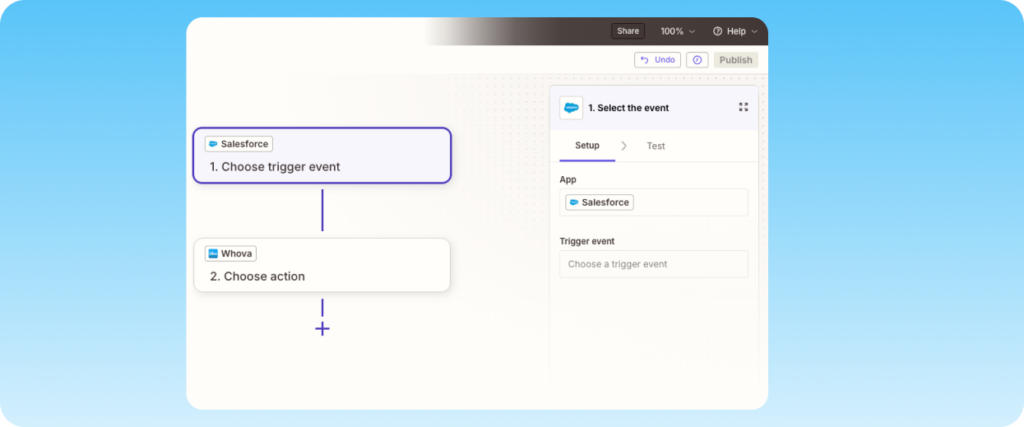
Its integrations with Salesforce and Microsoft Dynamics 365 are primarily handled through APIs and third-party connectors like Zapier, allowing teams to sync attendee and registration data with their CRM environment.
Whova’s accessibility and broad feature set make it ideal for organizations that want attendee engagement tools without extensive implementation complexity. However, it may not offer the same level of deeply embedded CRM orchestration or customization as more enterprise-focused event platforms.
Key features
- Salesforce and Microsoft Dynamics connectivity: Syncs attendee and registration data into CRM workflows through middleware and APIs.
- Event management: Centralizes agendas, attendee communication, networking, check-in, and session coordination in one platform.
- Mobile event app: Helps attendees access agendas, networking tools, announcements, and event updates in a user-friendly app.
- Exhibitor and sponsor management: Manages lead capture, sponsor visibility, and post-event follow-up for higher revenue.
Pricing
Whova uses a quote-based pricing model based on event size, attendee volume, and features needed.
Pros
- Simple and easy to use for both organizers and attendees
- Strong mobile app and networking features
- Good fit for association events
Cons
- Advanced CRM integrations require additional connectors
- Less flexible for highly customized enterprise setups
- Reporting and integration depth are not as extensive as those of more enterprise-focused platforms
Experience EventsAir’s powerful native integrations
Your event tech stack will deliver results only when data flows cleanly between your business tools, from your CRM to marketing tools and your main event platform. To maintain a stable workflow, prioritizing integration depth over brand popularity is essential.
EventsAir stands out in this area, offering bidirectional, native integrations with both Salesforce and Microsoft Dynamics 365 in a centralized events hub. Its direct connectivity ensures real-time syncing of contacts, leads, and engagement data without relying heavily on external middleware or manual workarounds.
Request a free demo to see how EventsAir integrates seamlessly with Salesforce, Microsoft Dynamics, and your existing tech stack.
Frequently asked questions
1. What should I look for in Salesforce and Dynamics event software integrations?
Identify whether the integrations you need are native, bidirectional, and real-time rather than just available in the platform.
Also, check that it supports both Salesforce and Dynamics in adequate depth, especially if you currently or plan to operate a mixed CRM environment.
2. How do I evaluate integration depth with Salesforce and Microsoft Dynamics 365?
Deep, comprehensive integrations should allow event activity and data to directly influence your CRM’s records. A well-built integration will allow you to trigger updates to engagement, campaign attribution, or lifecycle stages, rather than just create contacts.
3. Does Microsoft Dynamics integrate as strongly as Salesforce in event platforms?
For most event management tools, Salesforce has more in-depth native support, while Dynamics is usually middleware or API-connected, which usually results in higher setup complexity.
This is where EventsAir is especially strong, as it offers native, pre-built integrations for both Salesforce and Microsoft Dynamics 365, preventing setup difficulties or data sync delays.
4. What problems occur without synchronized, bidirectional data flow?
Data flowing in one direction only leaves you with duplicate records, outdated attendee data, and disconnected reporting between marketing and sales teams. Moreover, it breaks lead attribution because CRM and event activity don’t align.
5. What are common mistakes when evaluating event platform integrations?
One of the most common mistakes organizers make is assuming feature-rich or frequently used platforms automatically have the depth of integrations they need. Other mistakes include overlooking hybrid stack support and real-time data sync between platforms.
6. How do I test for scalability in my event platform and CRM stack?
Check if your event platform supports multi-event data syncing and enterprise CRMs like Salesforce and Dynamics without heavy custom builds. Platforms that rely on manual exports, middleware, or one-time integrations may break at scale or with large data volumes.
See EventsAir in action
Discover why 12,000+ event professionals trust EventsAir to deliver effortless events, every time.





Ready to transform event chaos into clarity?
With EventsAir, you’ll move from chasing logistics to creating unforgettable moments. Plan faster, act with confidence, and deliver exceptional events. Discover what’s possible with a personalized demo today.