

11 Best Academic Conference Management Software for 2026


Academic conferences are built around research, but organizing them often feels like managing dozens of separate projects at once. Abstract submissions, peer reviews, speaker coordination, registration, scheduling, and attendee communications must work together; a single missed deadline can disrupt the entire event.
That’s why choosing the right academic conference management software matters. The best platforms simplify these complex workflows while giving organizers better visibility across the entire conference lifecycle.
In this EventsAir guide, we'll compare 11 of the best solutions available in 2026, including their features, pricing, pros, cons, and ideal use cases. But first…
What is academic conference management software?
Academic conference management software is a specialized platform that helps organizers plan, manage, and deliver research-focused conferences from start to finish. It includes tools designed for the unique workflows of academic events, such as abstract and paper submissions, peer review, and scientific program planning.
While general event platforms primarily focus on registration, ticketing, and attendee engagement, academic conference software supports the entire research submission process. You can collect abstracts, assign reviewers, track revisions, schedule accepted papers into sessions, and communicate with authors, reviewers, and speakers, all from a single system.
Academic conference management platforms are commonly used by universities, research institutions, and medical associations. They’re also used by professional conference organizers (PCOs) managing academic and educational events.
The 11 best academic conference management software of 2026
1. EventsAir
Best for: Universities, professional associations, and conference organizers looking to manage large, complex academic conferences from a streamlined platform.
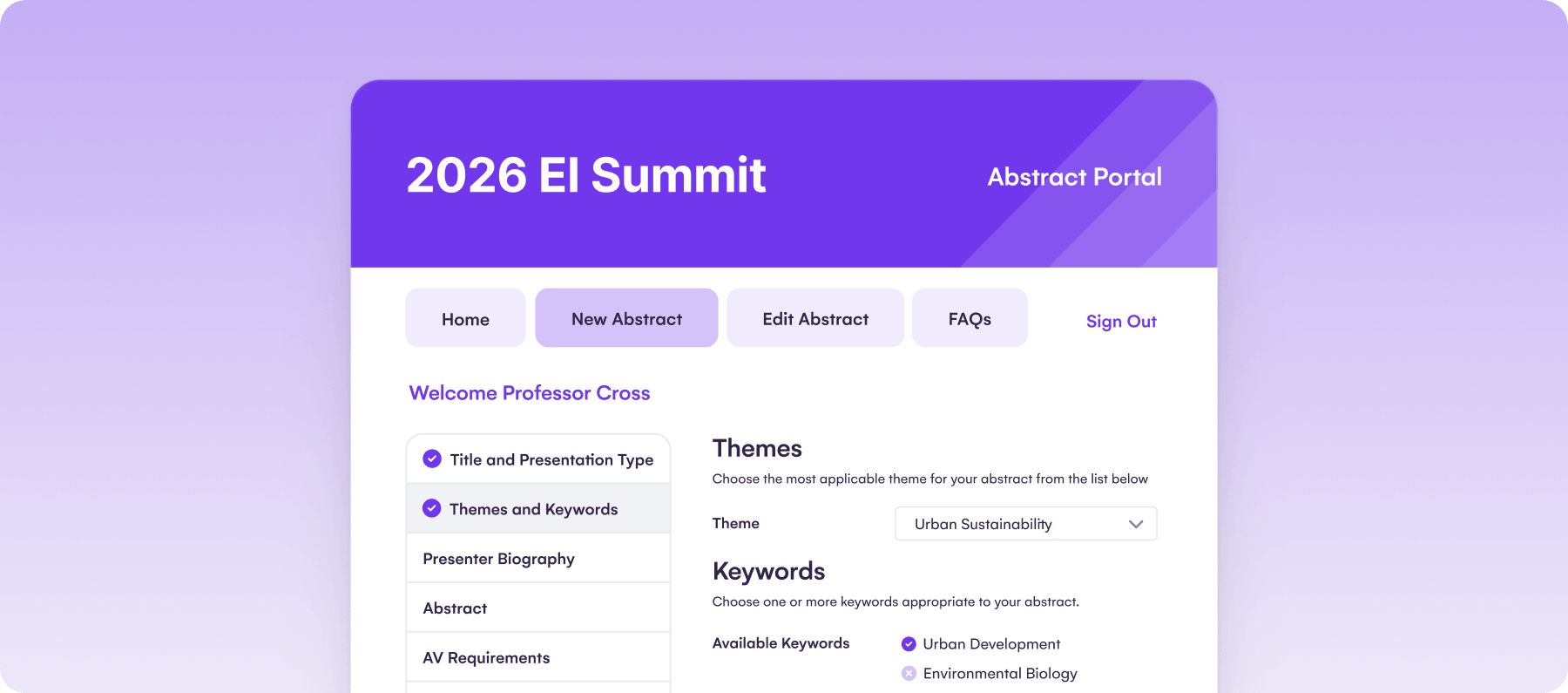
EventsAir is an all-in-one event management platform designed for organizations running complex academic events. It combines abstract submission, peer review, speaker management, registration, event websites, attendee engagement, onsite operations, and post-event reporting in a single platform, helping organizers reduce manual work and avoid juggling multiple tools.
This makes EventsAir particularly well-suited to large, multi-track conferences with detailed submission, review, registration, and delivery workflows. Teams managing more complex academic events benefit the most from its full-lifecycle capabilities.
Key features
- Call for papers, abstract submission, and peer review: Collect submissions, assign reviewers, and manage single-blind, double-blind, or custom review workflows.
- Speaker, session, and program management: Organize speaker profiles, presentation materials, schedules, and multi-track conference programs throughout the event.
- Event websites and mobile app: Create branded event websites and provide attendees with a mobile app for agendas, networking, and real-time updates.
- Onsite check-in and badge printing: Speed up arrivals with self-service check-in, badge printing, and access control tools.
- Reporting and post-event analytics: Measure registrations, attendance, session performance, and other key metrics with real-time dashboards and customizable reports.
Pricing
EventsAir requires you to contact their team to get a custom quote.
Pros
- Supports the entire academic conference lifecycle
- Highly configurable for complex conferences
- Strong reporting and integration capabilities
- Suitable for in-person, virtual, and hybrid events
- Offers a mobile app for better accessibility
Cons
- Teams may need onboarding to make full use of advanced workflows
- Advanced configuration may require support during setup
What users say
With a 4.4 G2 rating, users consistently praise EventsAir for its flexibility, responsive support, and comprehensive conference management capabilities. Some users also mention experiencing complexities when navigating the platform’s email communication features.
2. Oxford Abstracts
Best for: Universities, scholarly societies, and research organizations that prioritize abstract management and peer review.
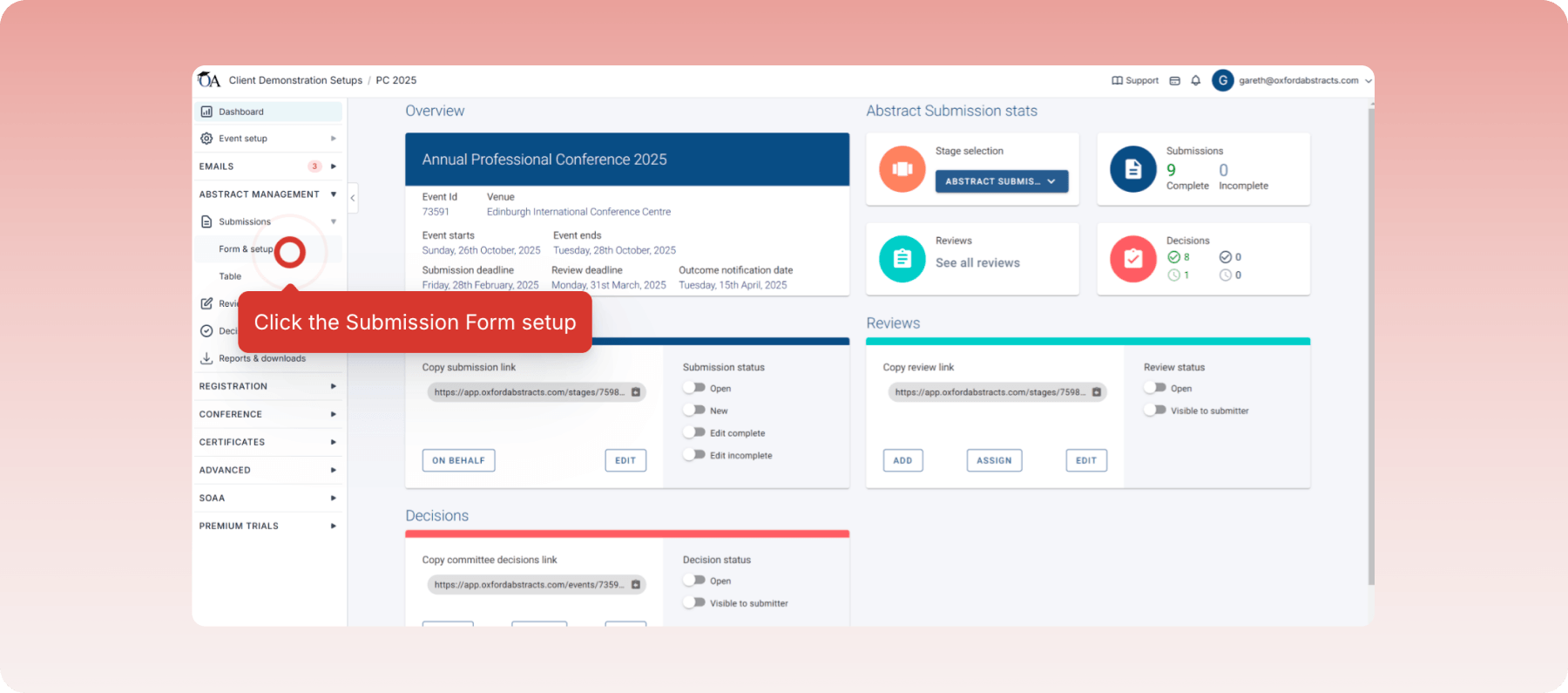
Oxford Abstracts is purpose-built for academic and research conferences that have a strong focus on abstract submission, peer review, and scientific program management. Organizers can collect submissions, assign reviewers, build conference programs, and manage delegate registration from a single platform.
It also supports virtual, hybrid, and in-person events with features such as attendee networking and poster galleries on higher-tier plans. However, while it has expanded into conference management, it doesn't offer the same depth of end-to-end event operations as other enterprise platforms for academic conference management.
Key features
- Abstract submission: Collect unlimited abstracts through customizable submission forms tailored to your conference requirements.
- Peer review management: Assign reviewers manually or in bulk, monitor review progress, and support double-blind review workflows.
- Program builder: Automatically build and publish conference schedules from accepted abstracts.
- Delegate registration: Manage attendee registration and ticket sales alongside the abstract submission process.
- Conference website: Create a branded event website with integrated registration and conference information.
Pricing
A free basic plan is available on Oxford Abstracts, but they offer paid plans, including:
- Abstract management: One-off cost of $890 per event, including unlimited subscriptions and fully customizable forms.
- Standard conference: One-off cost of $2,290 per event, including all the benefits of the abstract management plan, a program builder, and custom branding.
- Professional conference: One-off cost of $3450 per event, including all the benefits of the standard conference plan, the poster gallery, and the website builder.
Pros
- Transparent, publicly available pricing
- Excellent abstract and peer review workflows
- Easy-to-use interface for authors and reviewers
- Built specifically for academic conferences
- Offers add-ons for extra conference needs
Cons
- Organizations managing multiple annual events may outgrow the platform’s operational capabilities
- Less comprehensive for onsite event logistics than enterprise platforms
- Sponsor and exhibitor management capabilities are relatively limited
What users say
Oxford Abstracts has a rating of 4.9 on Trustpilot, with users highlighting its intuitive interface, automated communications, and ease of use. Some users also note that access to more advanced capabilities depends on the package selected.
3. Ex Ordo
Best for: Academic societies and research conferences that need robust submission and peer review workflows.
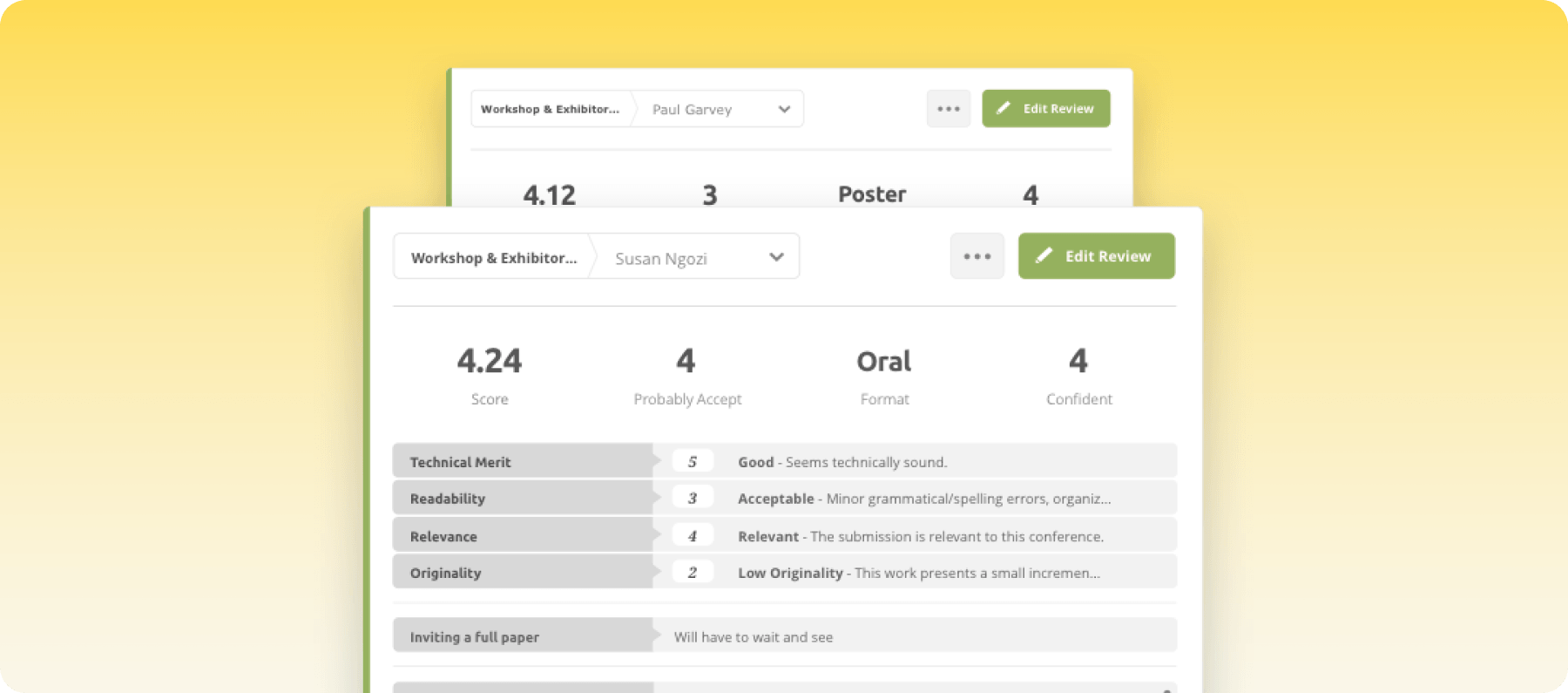
Ex Ordo is an academic conference management platform designed to streamline the research submission process while supporting conference planning from abstract collection through presentation. Its strengths lie in reviewer management, speaker coordination, and scientific program planning.
As an academic conference management platform, it offers excellent registration tools and virtual event capabilities, but its event management functionality is more research-focused than operational. This means that organizations with complex onsite logistics may benefit more from a broader event management platform.
Key features
- Abstract submission: Collect abstracts, papers, workshops, and posters through customizable submission forms.
- Peer review workflows: Configure single-blind, double-blind, or custom review processes with reviewer assignments.
- Scientific program builder: Generate conference schedules directly from accepted submissions.
- Speaker management: Organize presenter profiles, presentation files, and session information.
- Registration management: Handle attendee registrations and payments with the academic event workflow.
Pricing
Ex Ordo offers custom pricing depending on the nature and size of your conference as well as your needs.
Pros
- Strong academic submission workflows
- Flexible peer review configuration
- Easy program scheduling
- Designed specifically for research conferences
- Pricing plans are suited to specific event needs
Cons
- Limited marketing automation capabilities
- Less comprehensive for enterprise event operations
- Structured processes may require manual configuration
What users say
Ex Ordo has a G2 rating of 4.8, with many users commending its responsive customer support and efficient program-building capabilities. They also highlight the need for manual configuration.
4. Cvent
Best for: Large universities, enterprise institutions, and organizations managing large-scale conferences.
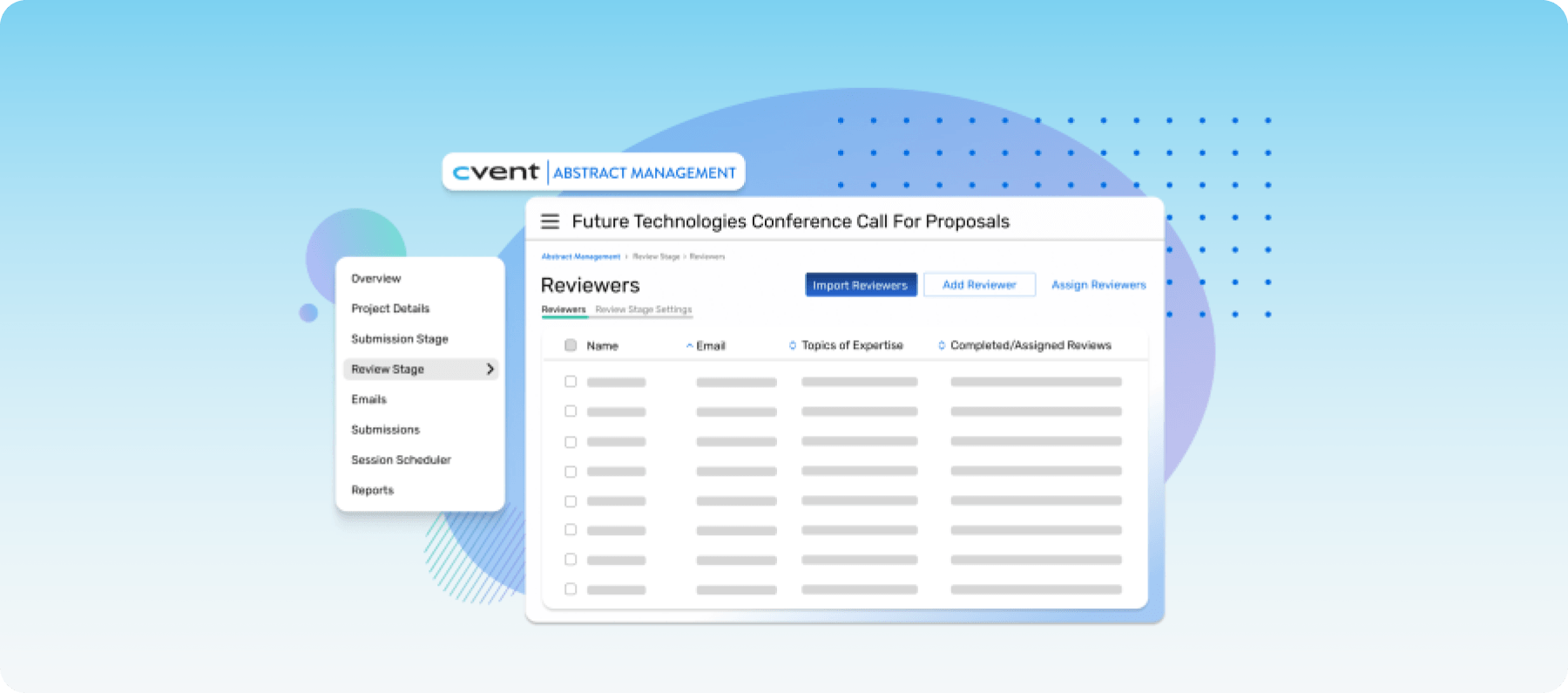
Cvent is one of the most comprehensive event management platforms available, offering tools for registration, event websites, venue sourcing, attendee management, mobile apps, onsite check-in, and reporting. While it supports academic conferences, its primary focus is enterprise event management rather than research workflows.
This means that organizations that require advanced abstract management may need additional configuration or integrations.
Key features
- Event registration: Create customizable registration paths for different attendee types.
- Event website builder: Build branded conference websites without coding.
- Onsite solutions: Manage onsite badge printing, self-check-in, and session tracking.
- Reporting and analytics: Monitor registrations, attendance, and event performance through customizable dashboards.
- CRM integrations: Connect attendee data with enterprise CRM and marketing platforms.
Pricing
You need to request a custom quote from Cvent based on your needs.
Pros
- Comprehensive enterprise event management
- Strong registration and onsite capabilities
- Extensive integrations
- Scales well for large events
- Excellent for event marketing and branding
Cons
- Abstract management isn't a core strength
- Some academic workflows depend on customization rather than native functionality
- Advanced academic workflows may require implementation support
What users say
Cvent holds a 4.3 rating on G2, with most users applauding its registration capabilities, reporting, and scalability. On the other hand, some reviewers note that the platform comes with a learning curve and can require significant setup.
5. Whova
Best for: Conferences that want to maximize attendee engagement and networking.
Whova is a popular event management platform known for its attendee experience. It combines registration, agenda management, networking, sponsor promotion, and a highly rated mobile app to help organizers deliver engaging conferences.
While it offers speaker management and agenda planning, its abstract management capabilities aren't as advanced as those of platforms built specifically for academic conferences. So, research-intensive conferences with complex peer review workflows may need a more specialized solution.
Key features
- Mobile event app: Give attendees access to personalized agendas, networking, announcements, and live updates.
- Agenda management: Create detailed conference schedules with session information and speaker profiles.
- Networking tools: Help attendees connect through community boards, messaging, and meetups.
- Speaker management: Organize speaker information and presentation schedules.
- Live engagement: Run academic polls, Q&A sessions, event surveys, and announcements throughout the event.
Pricing
Contact Whova to get custom pricing for your academic conference.
Pros
- Excellent attendee engagement features
- Highly rated mobile app
- Easy-to-use interface
- Strong networking capabilities
- Seamless event coordination tools
Cons
- Limited native abstract and peer review workflows
- Branding flexibility is limited
- Organizers may require an additional platform to manage the full submission lifecycle
What users say
Whova has a 4.8 rating on G2, with most reviews appreciating how the platform improves networking and communication before, during, and after conferences. Some users mention challenges contacting support regarding app issues.
6. ConfTool
Best for: Universities and academic societies looking for a cost-effective platform for abstract submission and conference administration.
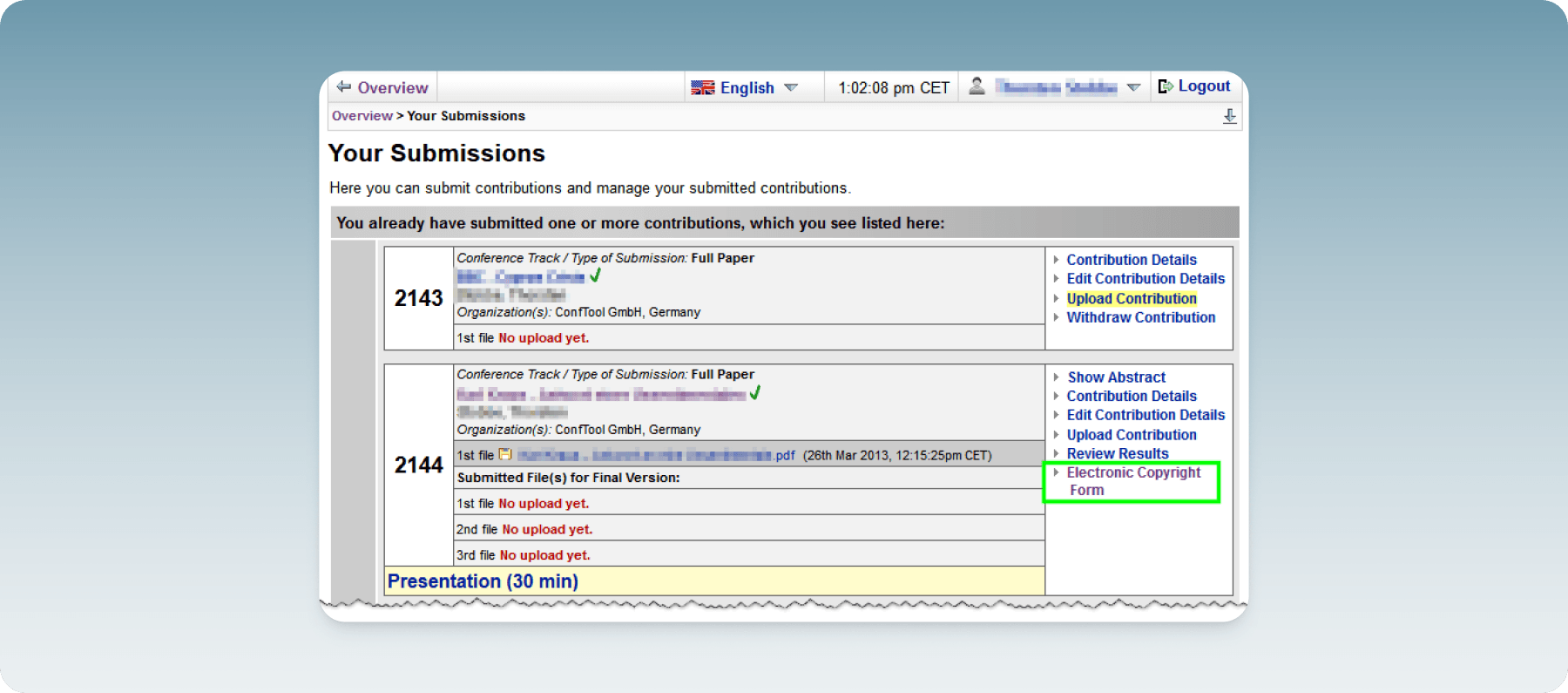
ConfTool is a long-standing conference management system built specifically for academic events. It covers abstract and paper submission, peer review, participant registration, scheduling, and invoicing, making it a popular choice for universities and scholarly societies worldwide.
Its flexible configuration allows organizers to adapt workflows for different conference formats. While ConfTool is feature-rich, it can feel clustered, and customization often requires extra effort.
Key features
- Paper submission: Collect abstracts, papers, posters, and workshop proposals through configurable submission forms.
- Peer review management: Support single-blind, double-blind, and custom review workflows with reviewer assignments.
- Participant registration: Manage registrations, payment processing, invoices, and attendee records in one system.
- Program scheduling: Build conference agendas and assign accepted submissions to sessions.
- Email communication: Send automated notifications to authors, reviewers, and attendees to boost engagement.
Pricing
ConfTool offers a free version for smaller events. Paid licenses are also available based on your conference size and requirements. You can reach out to ConfTool for a quote.
Pros
- Built specifically for academic conferences
- Flexible submission and review workflows
- Supports registration, payments, and invoicing
- Cost-effective for universities
- Suitable for conferences of varying sizes
Cons
- User experience prioritizes functionality over modern design
- Setup can be time-consuming
- Limited modern integrations compared to newer platforms
What users say
ConfTool holds a 5.0 rating on G2, although its reviews are limited. Users praise its reliability and comprehensive conference management features. Critics also mention limited accessibility due to low connectivity in certain regions.
7. OpenConf
Best for: Small academic conferences and symposia that need straightforward abstract and paper management.
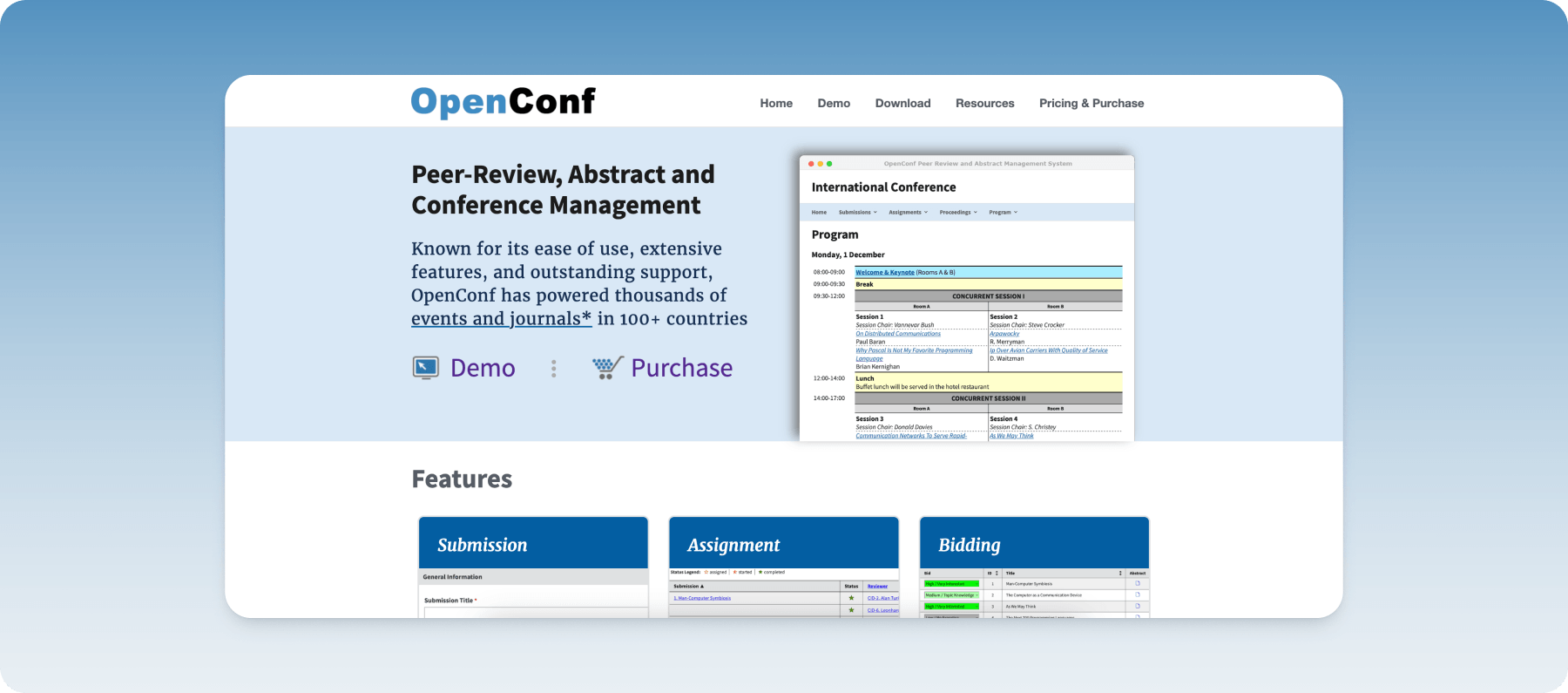
OpenConf is a conference management system focused on the academic submission process. It enables organizers to collect abstracts and papers, manage peer reviews, communicate with authors, and build conference programs.
Its simplicity and affordability have made it a popular option for smaller conferences and research events. Despite its advantages, OpenConf lacks many of the attendee engagement, onsite management, and event integration capabilities found in more modern conference management platforms.
Key features
- Abstract submission: Accept abstracts and papers through customizable online submission forms.
- Peer review workflows: Assign reviewers and manage blind review processes from a centralized dashboard.
- Author management: Track submissions, revisions, and communications throughout the review cycle.
- Program scheduling: Organize accepted papers into conference sessions and publish the program.
- Email automation: Send submission confirmations, review decisions, and conference updates automatically.
Pricing
OpenConf offers two paid editions and a hosted service:
- Hosting Service: Starts at $600 per year, including the Professional Edition, 100 submissions, 10 GB of storage, and one year of support. Additional submissions, storage, and add-on modules are available at an extra cost.
- Plus Edition: Starts at $400 per license, including unlimited submissions and one year of support.
- Professional Edition: Starts at $900 per license, including unlimited submissions and one year of support. Optional add-ons, such as Single Sign-On and additional support, are available for an additional fee.
Pros
- Easy deployment processes
- Strong submission and review functionality
- Suitable for small academic events
- Supports blind peer review
- Affordable compared to enterprise solutions
Cons
- Interface can seem outdated
- Limited attendee engagement features
- Fewer integrations than modern platforms
What users say
OpenConf has a 5.0 rating on G2, and users generally appreciate its reliability and straightforward submission workflows. However, they also mention its outdated interface and navigation limitations.

8. Eventleaf
Best for: Small to mid-sized conferences that need affordable event management with registration and agenda planning.
Eventleaf is an event management platform that combines registration, event websites, mobile apps, speaker management, agenda planning, and onsite check-in in a user-friendly interface. It also supports abstract collection and review, making it suitable for smaller academic conferences.
Generally, Eventleaf offers a simple solution for academic event management, but although it covers many conference management needs, its peer review capabilities are not built for large academic events.
Key features
- Event registration: Create customized registration forms and manage attendee information from one dashboard.
- Agenda management: Build conference schedules with sessions, speakers, and tracks.
- Abstract management: Collect abstracts and manage reviewer feedback for academic events.
- Mobile event app: Give attendees access to schedules, announcements, and networking tools.
- Badge printing and check-in: Speed up onsite registration with self-service check-in and badge printing.
Pricing
Eventleaf has various pricing plans, including:
- Starter: The free plan, allowing up to 100 attendees per year.
- Basic: Starts at $1 per attendee and allows up to 500 attendees.
- Professional: Costs $2 per attendee and allows up to 1000 attendees.
- Ultimate: Custom pricing. It allows for unlimited attendees and access to all of the platform’s features.
Pros
- Easy setup and usability
- Affordable pricing options
- Strong registration and check-in tools
- Mobile app included
- Responsive customer support
Cons
- Limited branding and customization
- Some features, like banner images, require manual updates
- Peer review tools aren't as robust as specialist platforms
What users say
Eventleaf has a 4.7 rating on G2, with most users consistently praising its ease of use, customer support, and value for money. However, other users would like more branding and customization options.
9. Fourwaves
Best for: Scientific conferences and research organizations that need an all-in-one academic conference platform.
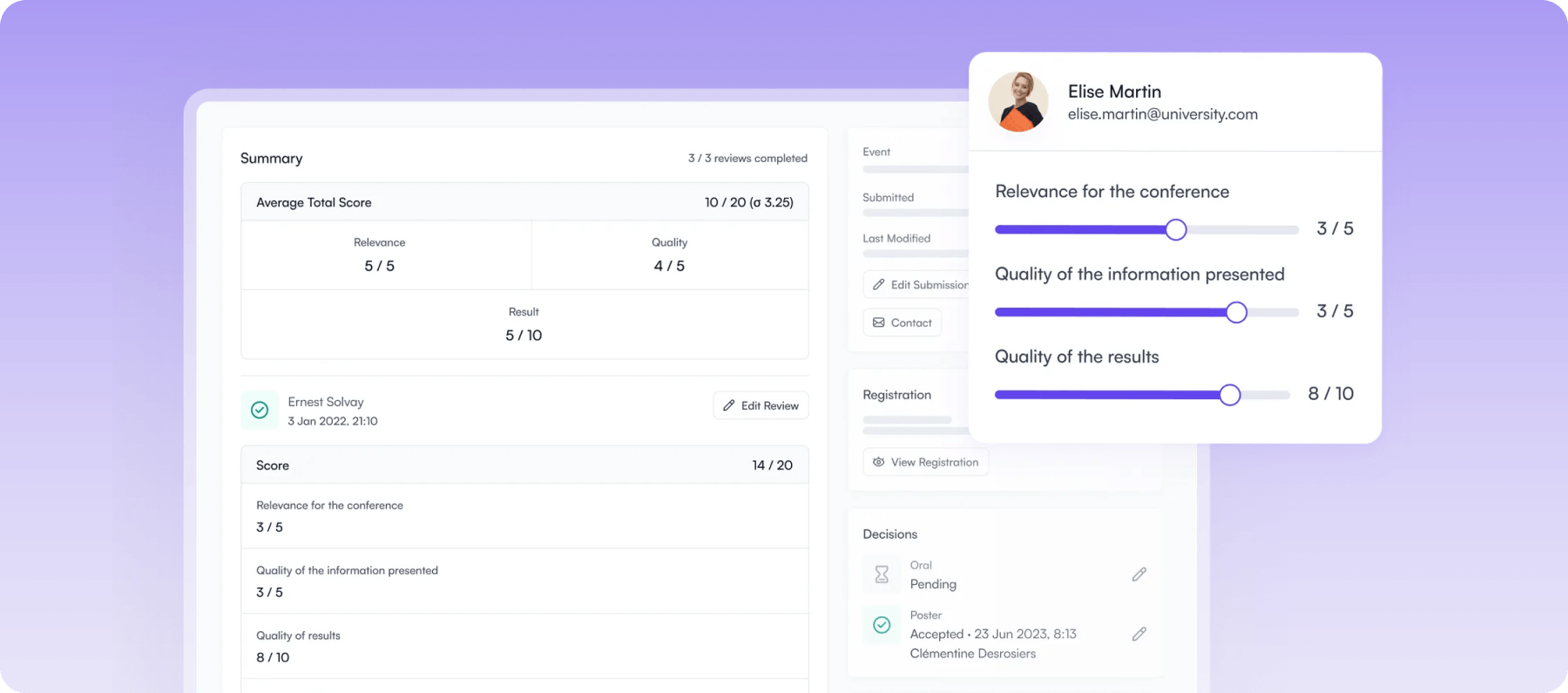
Fourwaves is built for scientific and research conferences, bringing abstract submission, peer review, registration, scheduling, virtual poster sessions, and event websites into a single platform. Its academic focus makes it particularly well suited to universities, research institutes, and scholarly societies.
While it excels at research conference workflows, its sponsor and exhibitor management features may be less extensive compared to broader enterprise event management platforms.
Key features
- Abstract management: Collect abstracts, papers, posters, and session proposals through customizable submission forms.
- Peer review: Manage single-blind and double-blind review workflows with automated reviewer assignments.
- Conference program builder: Generate schedules automatically from accepted submissions.
- Registration and payments: Manage attendee registration and online payments from the same platform.
- Virtual poster sessions: Showcase research posters and presentations for virtual or hybrid conferences.
Pricing
Fourwaves offers various plans, including:
- Free Plan: Offers limited features for small conferences.
- Essential Plan: $899 per year for one active event.
- Advanced Plan: $1,799 per year for one active event.
- Pro Plan: $4,799 per year for one active event.
Pros
- Designed specifically for scientific conferences
- Excellent abstract and review workflows
- Easy-to-use interface
- Offers transparent pricing
- Outstanding customer support
Cons
- Sponsor and exhibitor management is less extensive
- Some advanced customization options are limited
- Limited CRM and enterprise integrations
What users say
Fourwaves boasts a 4.8 rating on G2, with users regularly pointing out its intuitive interface, excellent customer support, and academic-focused features. The most common criticisms highlight limited customization in some areas.
10. Eventsforce
Best for: Associations, universities, and enterprise organizations running recurring conferences and events.
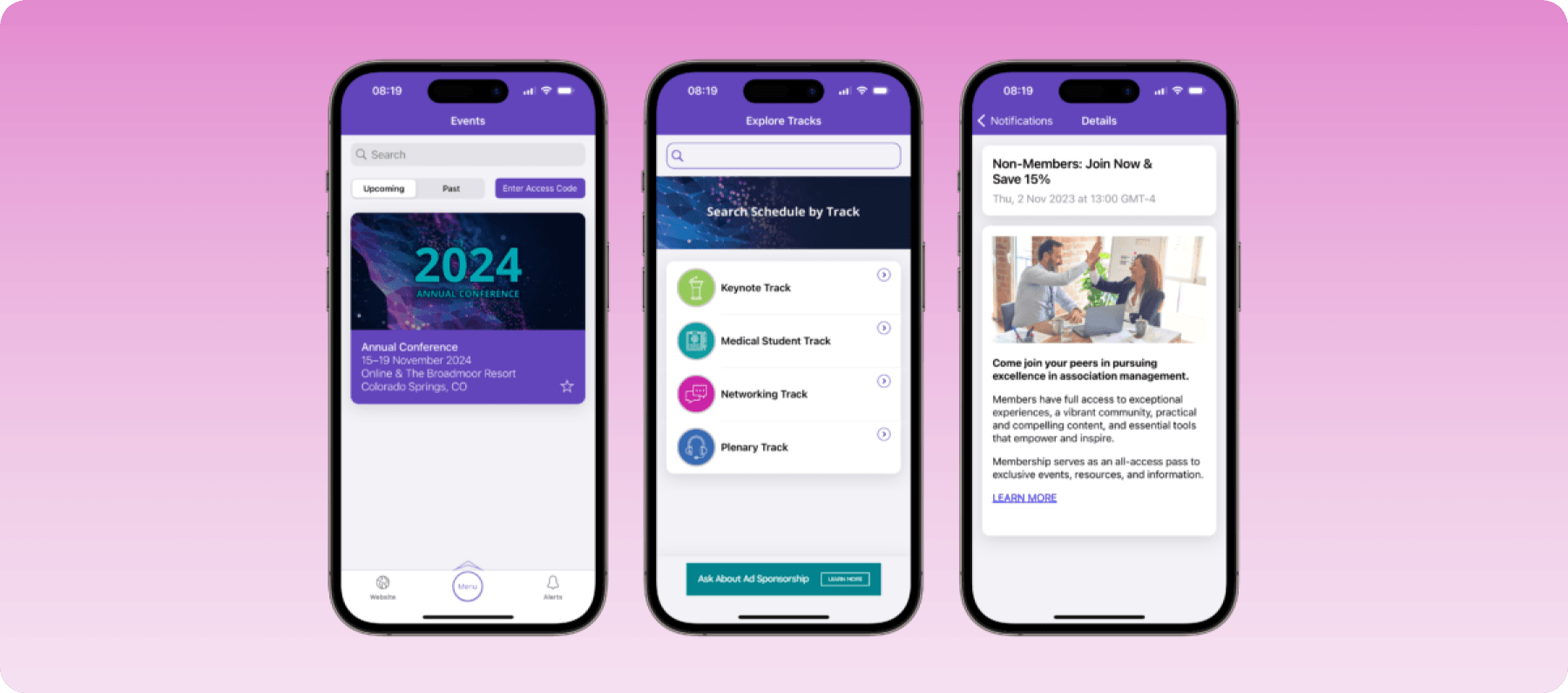
Eventsforce is an enterprise event management platform that supports registration, abstract collection, call for papers, agenda planning, attendee engagement, and hybrid event delivery. It offers dedicated modules for conference abstracts and peer review alongside tools for websites, mobile apps, networking, and onsite check-in.
However, teams using more advanced Eventsforce workflows may need setup support or training to configure the platform around their conference requirements.
Key features
- Call for papers and abstracts: Manage submissions, reviewer assignments, and acceptance workflows from one platform.
- Conference registration: Build customized registration journeys with support for different attendee types.
- Agenda management: Create multi-track conference programs that update across attendee-facing channels.
- Mobile event app: Give attendees access to agendas, networking, and live event updates.
- Onsite check-in: Speed up registration with badge printing and contactless attendee check-in.
Pricing
Eventsforce offers custom pricing depending on your needs.
Pros
- Strong support for academic conference workflows
- Includes dedicated abstract management
- Suitable for virtual, hybrid, and in-person events
- Good reporting capabilities
- Designed for large organizations
Cons
- Advanced workflows may require implementation support
- Implementation can take time
- Registration workflows can feel cumbersome
What users say
With a 3.9 rating on G2, Eventsforce users highlight its powerful call-for-papers module and broad feature set. Reviewers also mention that registration management can be cumbersome and the initial setup takes time.

11. X-CD Technologies
Best for: Medical societies, scientific associations, and large research conferences.
X-CD Technologies is a conference management platform built specifically for scientific and association events. It combines abstract submission, peer review, speaker management, registration, mobile apps, and virtual event capabilities into a single system.
Its strength lies in managing complex scientific programs with thousands of submissions and multiple presentation formats, making it less-suited for smaller academic events.
Key features
- Abstract management: Collect and organize abstracts, posters, workshops, and paper submissions through configurable workflows.
- Peer review: Automate reviewer assignments and manage single-blind, double-blind, or custom review processes.
- Scientific program builder: Generate conference schedules from accepted submissions while minimizing manual work.
- Speaker management: Coordinate presenter biographies, presentation files, and session logistics in one place.
- Mobile event app: Deliver agendas, networking, announcements, and session information through a branded attendee app.
Pricing
Contact X-CD Technologies for a custom quote.
Pros
- Built specifically for scientific conferences
- Strong abstract and speaker management
- Highly configurable workflows
- Scales well for large events
- Excellent support for hybrid conferences
Cons
- Administrator training may be necessary before launch
- Better suited to large scientific or association conferences
- Initial implementation can take time
What users say
X-CD Technologies records a 4.8 rating on G2, with users praising its abstract management capabilities but also noting a significant learning curve when using the platform.
How we evaluated the best academic conference management software
To select the best academic conference management software, we evaluated each platform based on the capabilities that matter most to universities, scholarly societies, research organizations, and professional conference organizers.
Our assessment focused on abstract and paper submission capabilities, peer review workflows, and reviewer management. We also reviewed tools that offer speaker, presenter, and scientific program management, registration, ticketing, and attendee management, and event website, agenda building, and communication tools.
Rather than ranking software solely on its number of features, we focused on how effectively each solution supports real-world conference planning, its pricing, and how it helps organizers deliver a smoother conference experience.
What to look out for in academic conference management software
The right academic conference management software should support every stage of your event, from collecting research submissions to delivering a seamless attendee experience. Here are the key capabilities to look out for:
1. Abstract and paper submission
An excellent tool should make it easy for researchers to submit abstracts, papers, or workshop proposals through customizable online forms or self-service abstract portals. Look for features that let you tailor submission fields, upload files, and collect information in one place. The system should also make it simple to track submissions and manage deadlines without relying on spreadsheets or email.
2. Peer review workflows
Academic conferences depend on a fair and organized review process. With that in mind, your academic conference management software should support reviewer assignments, scoring criteria, and blind or double-blind reviews. It should also help distribute submissions evenly among reviewers while reducing administrative work for your team.
3. Speaker, session, and program management
Academic programs are rarely a single track. You're often coordinating concurrent sessions organized by research theme, poster sessions running alongside keynotes, and workshop slots that need to sit near related paper presentations without overlapping them.
Choose software that lets you manage multi-track schedules, assign rooms, and adjust sessions from one dashboard, ideally with the ability to sync accepted abstracts straight into the program without manually re-entering session details. This keeps complex, multi-track programs accurate and easy to update as submissions are finalized.
4. Registration, payments, and attendee agenda building
Academic conferences typically involve more registration complexity than a standard business event. Member versus non-member pricing, student rates, and institutional or society affiliations all need to be accounted for, often within the same registration flow.
The platform you choose should provide a smooth registration experience, complete with secure online payment processing and flexible ticket options where needed. It should also allow attendees to create personalized agendas by selecting the sessions, workshops, or networking events they want to attend.
5. Communication, networking, and attendee engagement
Your academic conference software should support communication through automated emails, notifications, announcements, and attendee messaging, keeping presenters, reviewers, and attendees aligned as the program develops. Event networking tools like attendee directories and discussion forums also matter more in an academic context than most, they give researchers a way to connect around shared topics and continue conversations that started in a session Q&A.
6. Onsite management
Alongside the standard onsite essentials, digital check-in, badge printing, attendance tracking, and real-time schedule updates, academic conferences often carry an added requirement: tracking continuing education or CPD credits as attendees check into sessions.
If your event serves professional bodies with credit-bearing sessions, look for software that can log attendance against credit requirements automatically, rather than relying on manual sign-in sheets or post-event reconciliation. Mobile access for staff also helps last-minute program changes get communicated without disrupting the day.
7. Reporting and analytics
Finally, choose software that gives you real-time dashboards and customizable reports, not just on registrations and attendance, but on submission and review trends: how many abstracts came in per track, reviewer turnaround times, and which sessions or topics drew the most interest. This kind of insight is what makes it possible to refine your call for papers and review process year over year.
The right platform should also integrate with your existing CRM, accounting, or marketing tools, so data flows automatically instead of requiring duplicate entry.
Streamline your entire academic event lifecycle with EventsAir
Running an academic conference involves much more than managing registrations. From abstract submissions to speaker coordination, agenda planning, and onsite execution, every stage must work together to deliver a successful event. For this to happen, you need a tool that streamlines these processes on one centralized platform.
EventsAir stands out for this exact reason. Its all-in-one platform brings together abstract management, peer review, registration, onsite tools, reporting, and hybrid event support in one connected system. So, instead of switching between multiple platforms, your team can manage the entire conference lifecycle more efficiently while delivering a better experience.
Request a demo now to see how EventsAir can help you manage abstracts, registration, onsite delivery, and reporting from one connected platform.
Frequently asked questions
1. What is the best academic conference management software?
The best academic conference management software depends on your conference's size and requirements. However, if you need an end-to-end platform that covers abstract submission, peer review, registration, and speaker management, EventsAir is one of the strongest options.
2. What is the difference between conference management software and event management software?
Conference management software is designed for conferences and often includes features like abstract submission, paper management, peer review, and speaker coordination. On the other hand, event management software focuses more on registration, ticketing, attendee engagement, and event logistics, making it suitable for corporate events and trade shows.
3. Which software is best for abstract submission and peer review?
Several platforms specialize in abstract submission and peer review. EventsAir stands out for its configurable abstract and reviewer workflows. Other tools like Oxford Abstracts, Ex Ordo, Fourwaves, ConfTool, and X-CD Technologies are excellent for abstract submission and peer review.
4. What software is best for academic conferences that prioritize scalability?
For large or recurring academic conferences, EventsAir is a top choice thanks to its support for complex workflows, multi-track programs, hybrid events, and enterprise integrations. Cvent, Eventsforce, and X-CD Technologies are also well-suited to organizations that need to manage events at scale.
5. How much does academic conference management software cost?
The cost of academic conference management software varies by platform and event size. Some tools, like ConfTool and Oxford Abstracts, offer free plans or affordable entry-level options. Enterprise platforms such as EventsAir, Cvent, and Eventsforce typically provide custom pricing based on your conference's requirements.
6. Does academic conference management software integrate with other event technology?
Most academic conference management platforms integrate with payment gateways, CRM systems, virtual event platforms, and marketing tools. These integrations reduce manual work and keep attendee and event data synchronized across your technology stack.
See EventsAir in action
Discover why 12,000+ event professionals trust EventsAir to deliver effortless events, every time.




Ready to transform event chaos into clarity?
With EventsAir, you’ll move from chasing logistics to creating unforgettable moments. Plan faster, act with confidence, and deliver exceptional events. Discover what’s possible with a personalized demo today.