

12 Best RegFox Alternatives for Event Management in 2026: Key features, pricing, pros, and cons

RegFox works well for registration-led events, but that's only one part of the job. As your event programme grows, managing speakers, sponsors, attendee engagement, and post-event reporting, requires a more comprehensive platform that supports the entire event lifecycle.
That’s why we’ve rounded up the 12 best RegFox alternatives for organizers in 2026. We'll walk you through each platform's features, strengths, limitations, and ideal use cases so you can choose the solution that best meets your event needs.
What is RegFox?
RegFox is an event registration and event management platform for in-person, virtual, and hybrid events. Its core features include registration, attendee management, marketing, on-site check-in, and payment processing.
Generally, the platform is known for its flexible registration workflows and low-cost pricing, with many users commending its easy, affordable signup process.
Key features
- Custom registration builder: Create branded registration pages with drag-and-drop editing, conditional logic, custom fields, and flexible ticket types for different registration scenarios.
- Attendee management and check-in: Manage registrations, track attendance, print badges, and streamline check-in using the mobile app and badge printing feature.
- CRM and contact management: Organize contact records and maintain a centralized attendee database for fast, personalized communication.
- Email marketing and communication: Inform and engage with attendees using built-in email marketing and automated SMS messaging.
Pricing
RegFox offers three pricing plans:
- Standard ($0/month): Costs $0.99 plus 1% per registration and offers basic registration and check-in services.
- Premium ($0/month): Costs $1.99 plus 1% per registration and includes all Standard features, along with an attendee app, payment services, and email marketing.
- Professional ($499/month): Costs $1.99 plus 1% per registration and offers all Premium features plus a dedicated support team, custom domain name, and data enrichment.
Why event organizers look for RegFox alternatives
Although RegFox has good registration and onsite support features, many users eventually search for alternatives. Here’s why:
- Limited event lifecycle management: Teams that need deeper speaker, sponsor, exhibitor, abstract, or accommodation workflows usually need to use additional tools alongside RegFox.
- Few attendee engagement features: RegFox offers fewer built-in advanced engagement tools designed to increase participation, like interactive networking, matchmaking, and gamification.
- Scalability constraints: RegFox focuses on registration and onsite check-in. For large events, managing attendees, multiple tracks, and sponsors requires more sophisticated automation and enterprise-grade integrations than it offers.
- Limited reporting tools: RegFox’s visibility into attendee engagement, session performance, sponsor ROI, and cross-event analytics is limited compared to platforms built for comprehensive event intelligence.
The top 12 RegFox alternatives at a glance
Here’s a quick side-by-side overview of the 12 tools on this list:
1. EventsAir
Best for: End-to-end event lifecycle management
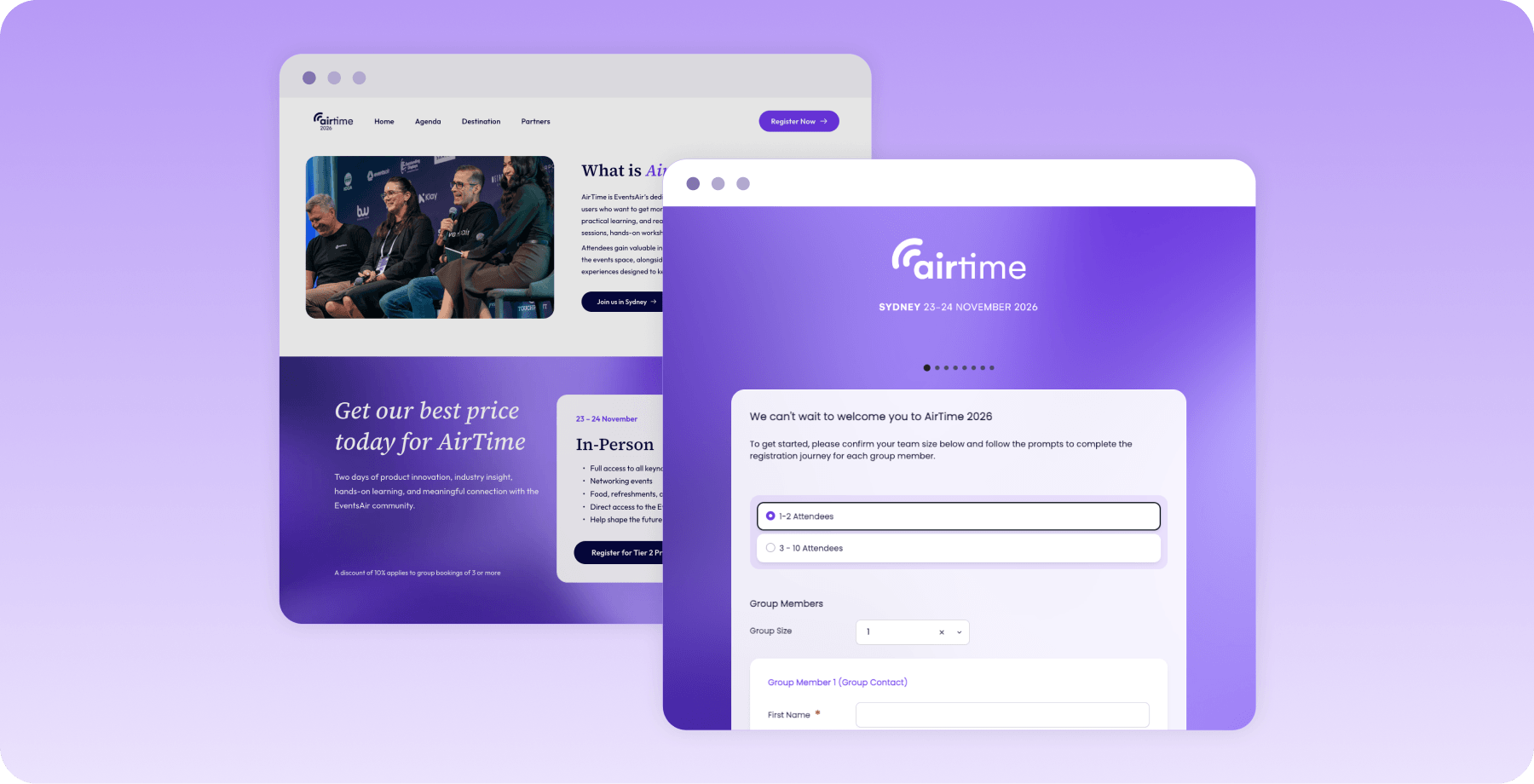
EventsAir is an enterprise-grade event management software with features for in-person, virtual, and hybrid events. It supports every stage of the event lifecycle, connecting registration and speaker management. EventsAir also caters to exhibitors, sponsors, marketing, mobile apps, and analytics, all in a unified system.
This places it among the best options for running large or recurring events, regardless of operational requirements.
Key features
- End-to-end event management: Integrate features for every stage of your event into one platform, so you don’t have to switch tools.
- Advanced registration: Tailor attendee registration journeys with conditional logic, multiple registration types, secure payment processing, and group registration.
- Attendee engagement: Interactive tools like networking rooms, Q&As, live polling, and gamification keep attendees actively engaged throughout the event.
- Exhibitor and sponsor management: Increase visibility for partners with booth sales, sponsorship packages, exhibitor profiles, lead capture, and sponsor deliverables.
- Branded event apps: EventsAir provides branded organizer and attendee event apps with push notifications and personalized agendas for faster, more efficient communication and delivery.
- Reporting and analytics: Measure event success with real-time dashboards, customizable reports, attendee engagement metrics, financial reporting, and cross-event analytics.
Pricing
EventsAir uses custom pricing based on event volume and organizational requirements. All plans include unlimited registrations, helping teams avoid per-registrant software licensing costs.
Pros
- Comprehensive platform for the entire event lifecycle
- Growing suite of AI-powered assistants
- Unlimited registrations across its core plans
- Offers in-person, virtual, and hybrid event features
- Enterprise-grade integrations for large-scale event management
- Intuitive, user-friendly interface
- Highly responsive support team
Cons
- Certain customization options vary across modules
What users say
EventsAir holds a 4.4 rating on G2. Reviews praise its all-in-one approach to event management, highlighting its flexibility, robust registration capabilities, reporting tools, and responsive customer support.
2. Cvent
Best for: Enterprise teams running complex events
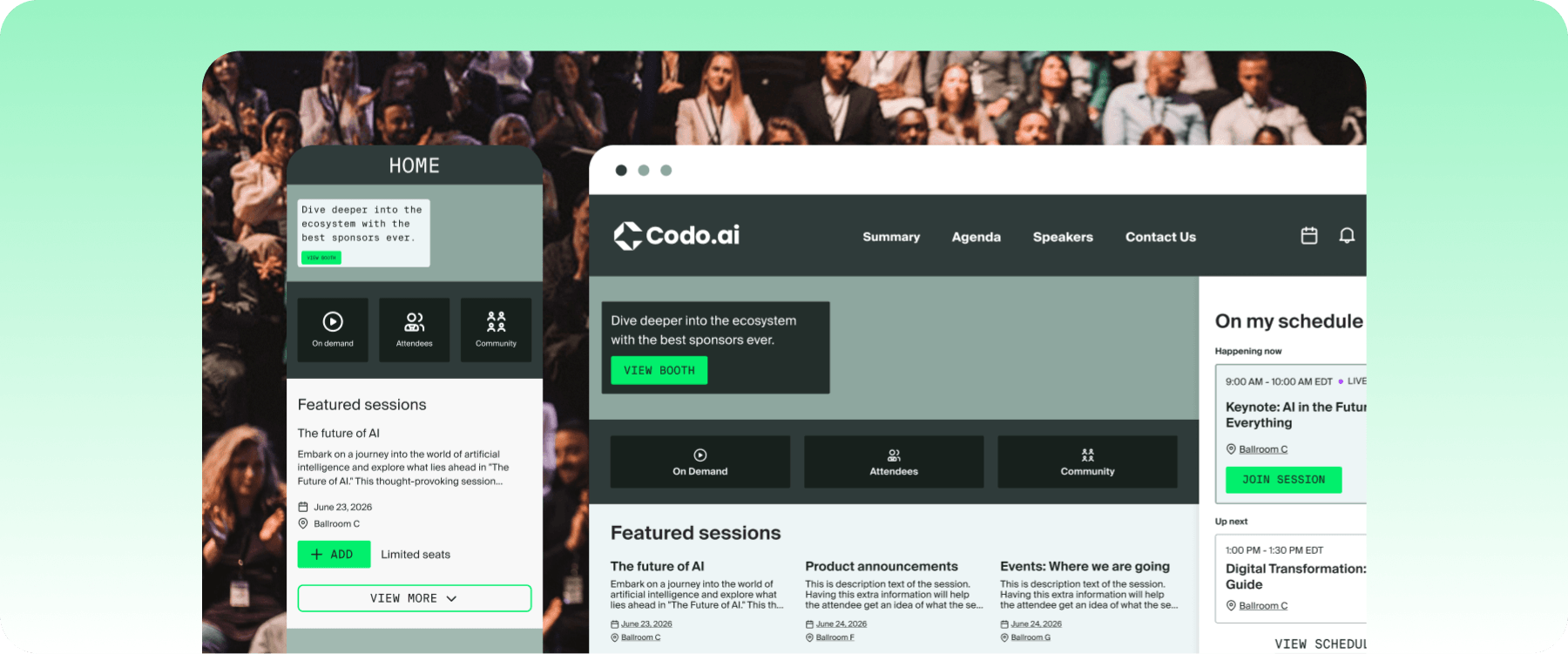
Cvent is an event management platform popular for large-scale event portfolios. It stands out for its venue sourcing, registration, enterprise-wide reporting, broad ecosystem of integrations, and AI-powered planning through CventIQ.
However, its registration and website design features are less user-friendly and limited in customization.
Key feature
- Venue sourcing: Search and evaluate venues from an extensive network and manage contracts without leaving the platform.
- Customizable registration: Build multi-tier registration forms with conditional logic, session management, and integrated payment processing to handle multiple attendee structures and event types.
- Onsite check-in: Cvent’s OnArrival supports high-volume arrivals with mobile check-in, self-service kiosks, and on-demand badge printing.
Pricing
Cvent uses custom, quote-based pricing depending on your event needs and feature requirements.
Pros
- Extensive venue sourcing network
- Broad feature set for enterprise use
- Strong CRM integrations
Cons
- Certain tools aren’t fully integrated with the Cvent ecosystem
- Non-intuitive registration
What users say
Cvent holds a 4.3 rating on G2, where reviews show that its in-depth features comfortably handle large-scale events. However, complaints commonly point to rigid registration workflows and inconsistent integration across certain tools.
3. Whova
Best for: Community-building events and conferences
Whova offers the primary event management features you’d expect, including registration, agenda management, and exhibitor support, but its strength lies in interactive experiences.
The platform’s attendee networking, community building, and engagement tools make it ideal for encouraging meaningful connections before, during, and after an event.
Key features
- Attendee networking: Improve networking with AI-powered matchmaking, community boards, direct messaging, and one-on-one meeting scheduling.
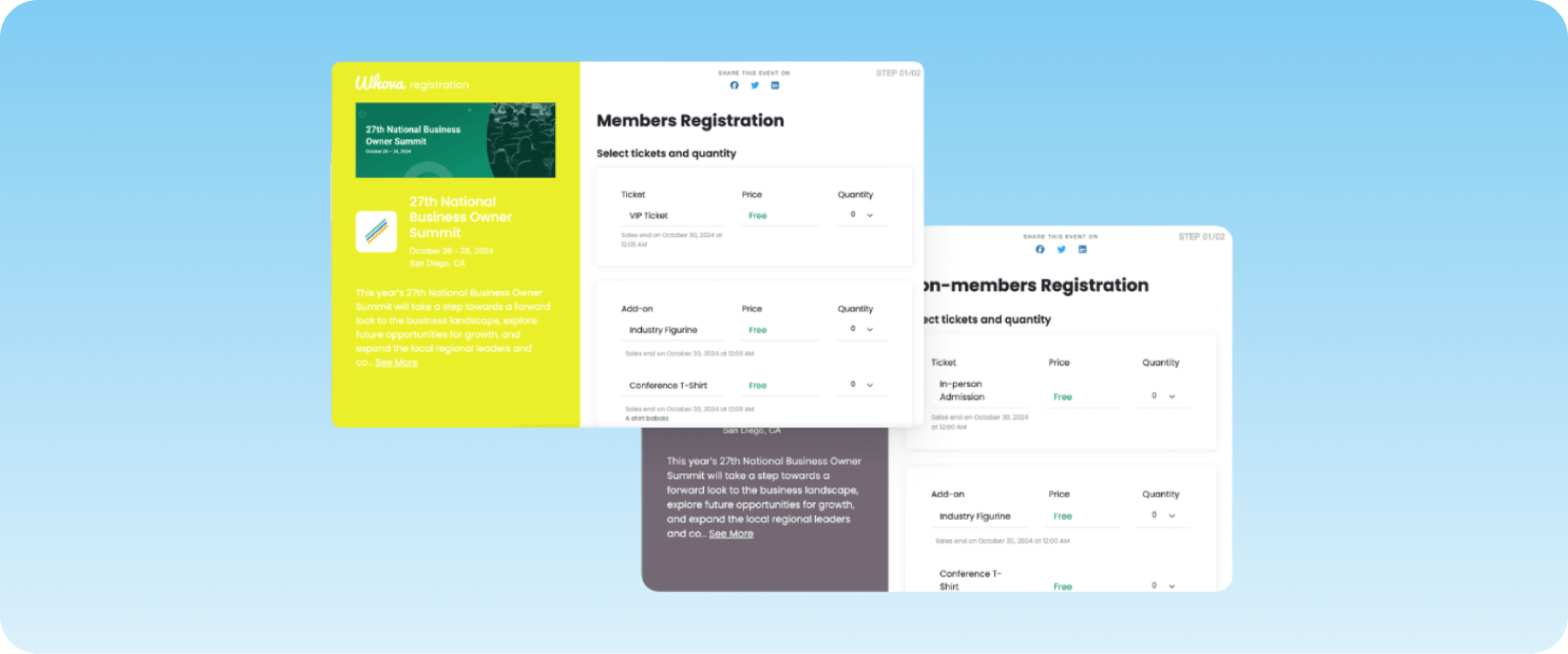
- Event registration and ticketing: Create branded registration pages, sell tickets, process payments, and automate confirmation emails from one registration system.
- Mobile event app: Access personalized agendas, interactive maps, live announcements, and session reminders through Whova’s app.
Pricing
Whova doesn’t publish fixed pricing. Total cost depends on your event size, format, and feature needs.
Pros
- Excellent attendee networking and engagement features
- Intuitive app and mobile experience
- In-depth analytics and event reporting tools
Cons
- Notification volume can be excessive for attendees
- Users may experience difficulty navigating the app interface
What users say
Whova has a 4.8 rating on G2. Reviews consistently praise its networking capabilities and ease of use, but some critics occasionally mention navigation challenges.
4. Bizzabo
Best for: B2B marketing and customer events
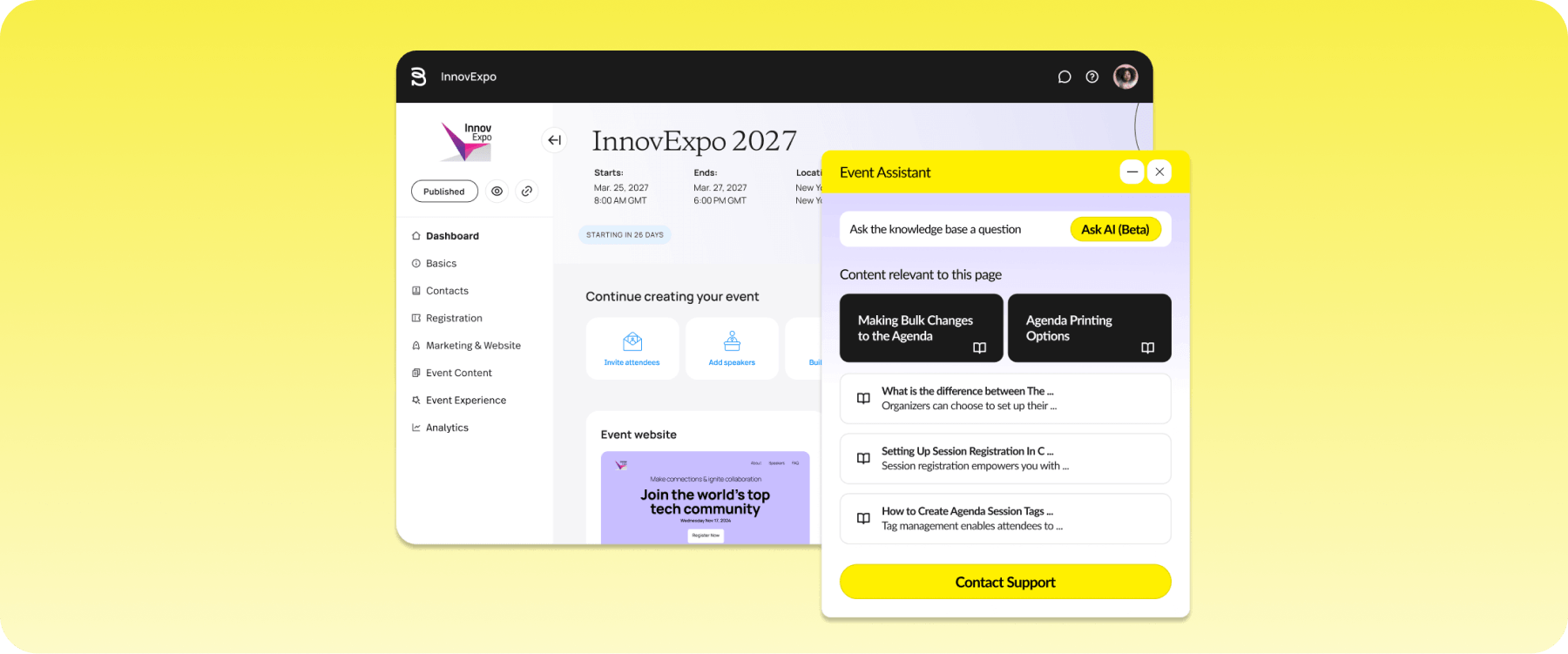
Bizzabo helps mid-to-large organizations deliver events that drive business growth. It emphasizes event marketing, audience engagement, and data to help companies create branded experiences and measure their impact. However, teams report friction in areas such as onsite check-in, ticketing, and website layout customization.
Key features
- Event experience OS: Design customizable event websites, registration pages, networking, and mobile apps for a consistent brand experience across every attendee touchpoint.
- Klik Smartbadge: Track attendee interactions and engagement data in real-time without using phones.
- Event marketing suite: Drive registrations with personalized email campaigns, audience segmentation, and integrations that keep data flowing without manual exports.
Pricing
Bizzabo uses custom, annual subscription pricing starting at $499/user/month or $17,999/year. Add-ons such as onsite support, creative services, and virtual production are available at additional cost.
Pros
- In-depth event marketing and branding capabilities
- Strong CRM and marketing integrations that connect event data directly to analysis and reporting
- Modern, intuitive interface for organizers and attendees
Cons
- Users may require support during registration
- Limited website layout customization
What users say
Bizzabo holds a 4.3 rating on G2. Many reviewers love its clean interface and extensive feature set, but also complain frequently about its clunky onsite check-in and ticketing processes.
5. Stova
Best for: High-volume, repeatable events
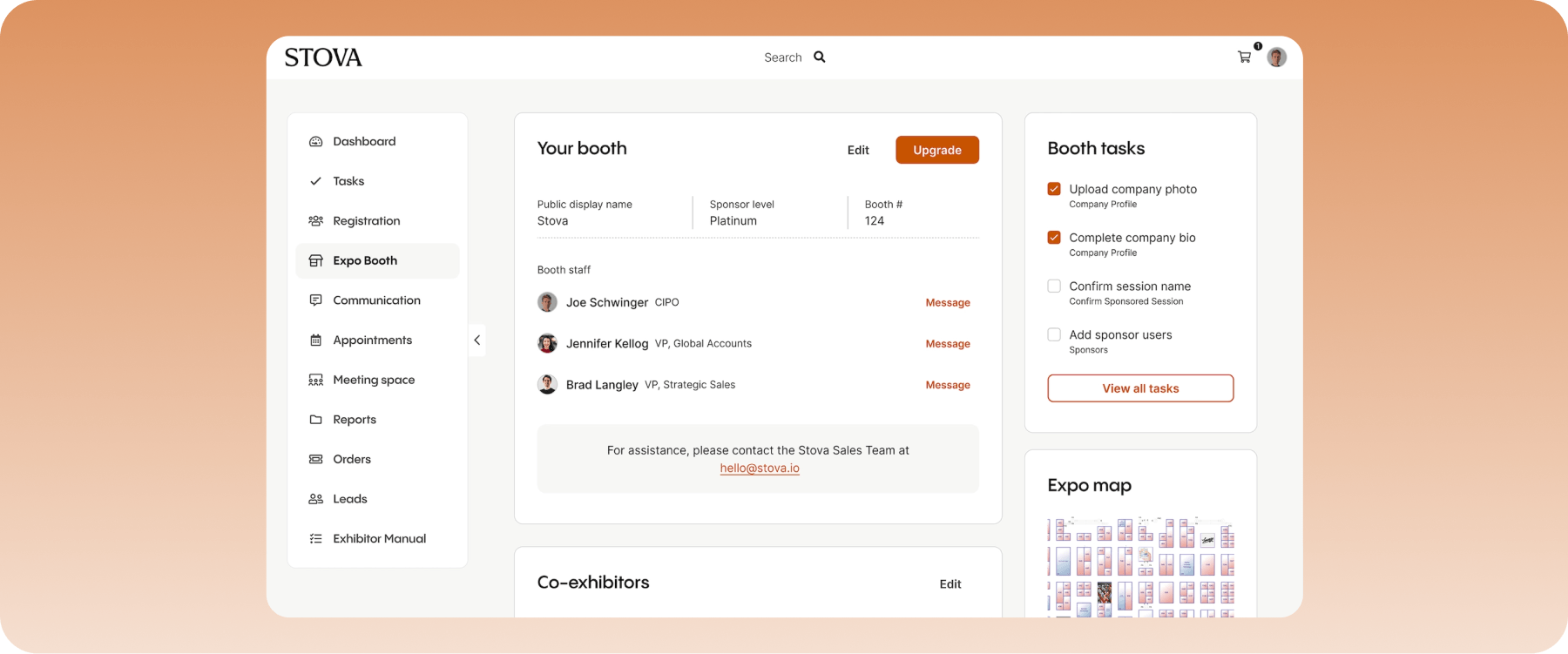
Formed from a merger between Meetingplay and Aventri, Stova serves enterprises, allowing users to host large-scale, repeatable events across in-person, virtual, and hybrid formats. It supports major event operations at scale, including registration, onsite solutions, attendee engagement, and event intelligence, but usability can vary across modules.
Key features
- Enterprise registration tools: Create customized registration journeys with dynamic forms, approval workflows, group registrations, and secure payment processing for complex events.
- Onsite event solution: Speed up event operations with self-service check-in, badge printing, and session access control.
- Attendee engagement: Built-in matchmaking, live polls, Q&A, gamification, and one-on-one meeting scheduling improve attendee participation.
Pricing
Stova doesn’t publish standard rates. Pricing is typically structured around event size, features required, and level of customization.
Pros
- User-friendly interface design
- Strong solutions for registration and onsite attendee management
- Robust analytics and post-event reporting tools
Cons
- Some users report clunky, outdated modules
- Limited customization
What users say
Stova holds a 4.2 rating on G2. Reviews often mention its easy-to-use design and excellent support team, while noting that some modules have bugs and are hard to use.

6. Swoogo
Best for: Teams needing customized registration
If flexibility is your top priority, Swoogo is a strong RegFox alternative. It’s suited to teams that want greater control over registration, event branding, and workflows without relying on developers.
With notable customization options and a hands-on support team, it’s an easy, efficient option for building tailored websites or registration forms. However, there’s less flexibility when configuring reporting dashboards and analytics views.
Key features
- Flexible event registration: Customize attendees’ registration with conditional logic, dynamic forms, group registrations, approval workflows, and branded registration pages.
- Event website builder: Create responsive event websites using drag-and-drop components, reusable templates, and custom branding without extensive coding.
- API and integrations: Swoogo connects with CRMs, marketing automation platforms, payment gateways, and business systems through native integrations and a robust API for seamless data syncing.
Pricing
Plans start at $11,800 per year for one user, offering unlimited events and registrations, a check-in app, and 30+ integrations. Add-ons and custom pricing are also available.
Pros
- Highly customizable registration and event workflows
- Robust API and integration capabilities
- Fast, reliable support team
Cons
- Less flexible reporting dashboards
- Some mobile app capabilities depend on the onsite management setup selected
What users say
Swoogo’s reviews reinforce its flexibility and ease of use, with a 4.9 rating on G2. However, a few users cite the need to juggle additional vendors for a more comprehensive attendee app.
7. Accelevents
Best for: Growing teams and hybrid events
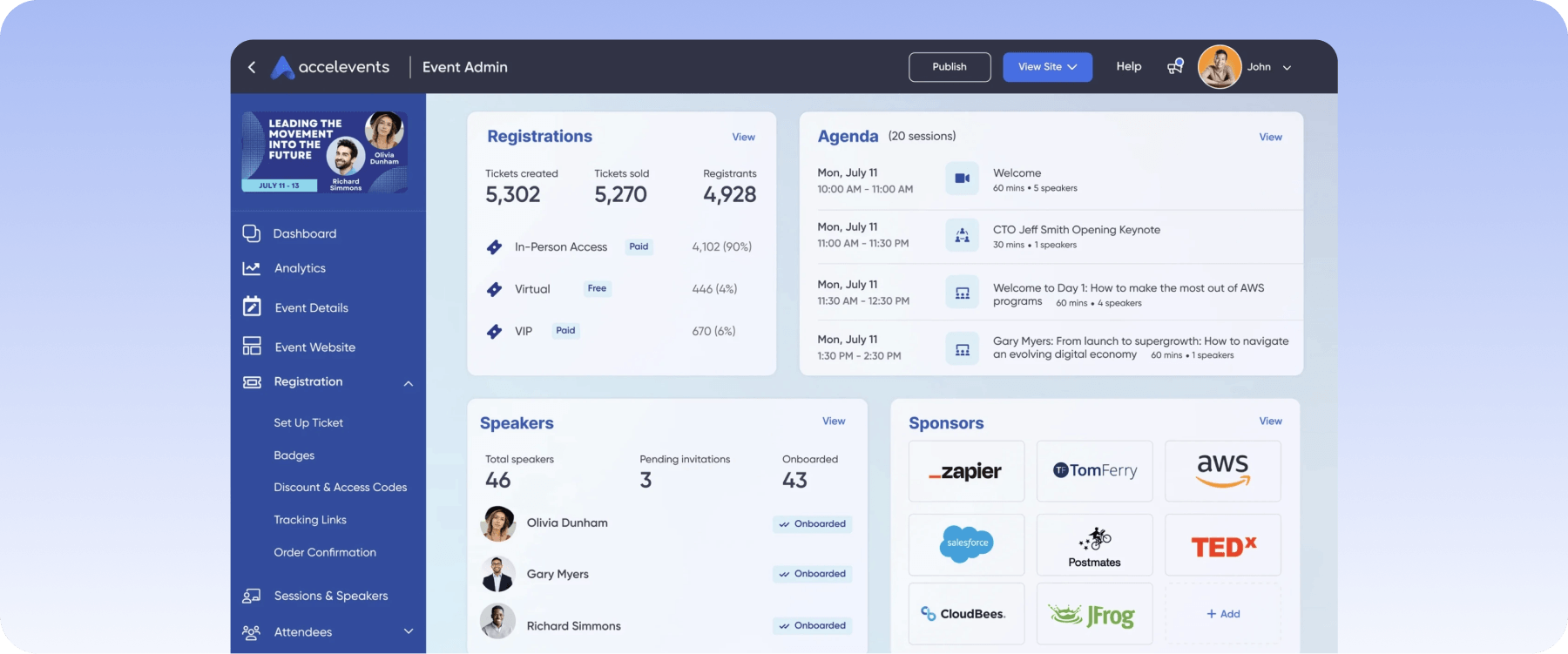
Accelevents helps both large conference organizers and growing teams launch engaging events without a steep, lengthy onboarding process. You get the event management features needed to run in-person, virtual, or hybrid events at scale in a clutter-free, simple interface. But although it’s easier to use, advanced integrations and configurations still need some ramp-up time.
Key features
- Event registration and ticketing: Design branded registration pages, sell tickets, manage attendees, and process payments automatically with flexible registration and checkout options.
- Virtual and hybrid event platform: Host live streams, virtual sessions, breakout rooms, and on-demand content alongside in-person experiences from a single platform.
- Attendee engagement tools: Quickly access interactive features like live chat, Q&A, polls, and gamification in a comprehensive event mobile app.
Pricing
Accelevents offers four tiered plans:
- Professional: Starts at $7,500 for a single event and offers unlimited registration types, self check-in, payment services, and integrations
- Business: Starts at $13,500 for unlimited events, offering Professional features plus cross-event reporting.
- Enterprise: Custom pricing. Offers all features in Business plan, APIs, and unlimited organizer profiles.
- White label: Custom pricing. Offers all Enterprise features, single sign-on, and a custom URL domain.
Pros
- Easy setup for both organizers and attendees
- Strong virtual and hybrid event capabilities
- Supports single-event and multi-event programs
Cons
- Some users found the app difficult to navigate during event sessions
- Limited customization for event reporting
What users say
Accelevents holds a 4.7 rating on G2, with positive feedback for its intuitive interface and responsive customer support. Other reviews also mention limited flexibility in customization and reporting.
8. EventMobi
Best for: Attendee-focused mobile experience
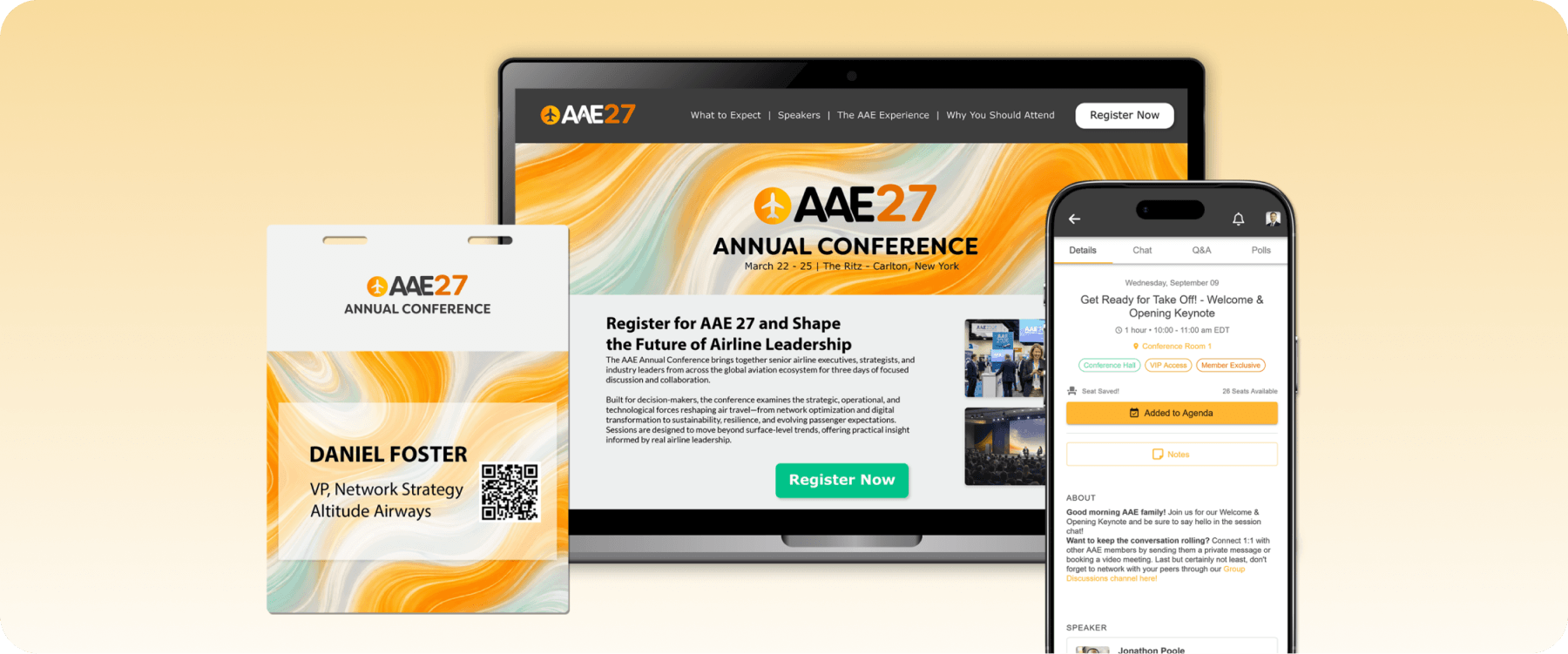
EventMobi’s strength is in creating engaging, attendee-centric experiences through a feature-rich, accessible event app. Although it’s less-suited for complex events, its app provides interactive networking tools and seamless onsite attendee management, keeping attendees connected and ensuring a smooth event experience.
Key features
- Mobile event app: Deliver personalized agendas, interactive maps, push notifications, digital badges, and networking features through a fully branded mobile experience.
- Onsite event solutions: Speed up check-in with self-service kiosks, QR scanning, and session scanning, giving attendees a frictionless arrival experience.
- Integrations hub: Pre-built integrations with registration and ticketing, CRM, marketing, and project management tools that move data across your stack.
Pricing
- Single event package: Starts at $3,500/event and supports one-time events
- Unlimited event package: Starts at $7,900/year and supports unlimited events throughout the year
Pros
- Accessible, easy-to-use mobile app
- Straightforward, reusable event setup
- Responsive support team
Cons
- Engagement and gamification workflows may require more manual administration
- Customization and event branding constraints
What users say
EventMobi holds a 4.6 rating on G2. Users commend its simple attendee app, while others highlight the need for more advanced automation, customization, and branding flexibility.
9. vFairs
Best for: Virtual expos and trade shows
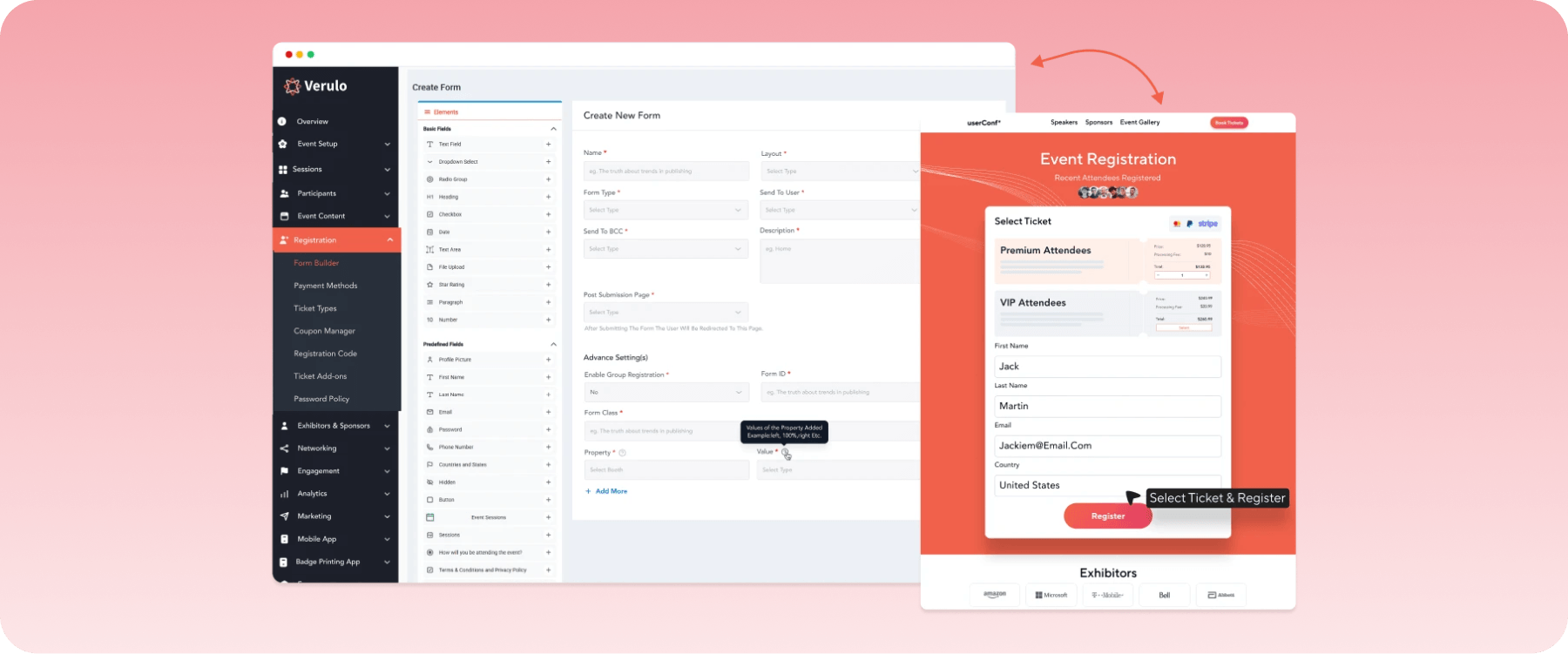
vFairs is built for teams running virtual conferences, trade shows, and hybrid events who want event registration and management in more than a standard webinar interface. While its 3D environments and exhibitor tools provide highly immersive experiences, teams require extra time and support for custom events.
Key features
- 3D virtual environments: Build immersive, branded virtual booths, spaces, and lounges that give online events a polished, venue-style feel.
- Onsite check-in: QR-based event check-in and instant badge printing handle in-person arrivals alongside virtual delivery from one platform.
- Mobile app: Give attendees personalized agendas, real-time updates, and networking tools through a white-labeled app across virtual and in-person formats.
Pricing
vFairs offers custom, quote-based pricing tailored to event requirements.
Pros
- Highly customizable virtual venues and booths
- Strong exhibitor and sponsor tools
- Reliable customer service with dedicated project manager
Cons
- Some attendees report difficulty navigating the technology
- Fewer administrative controls in the mobile app
What users say
vFairs holds a 4.7 rating on G2, where its support team gets high praise from reviewers. The main critique is difficult app navigation for attendees.
10. Eventbrite
Best for: Event ticketing and promotion
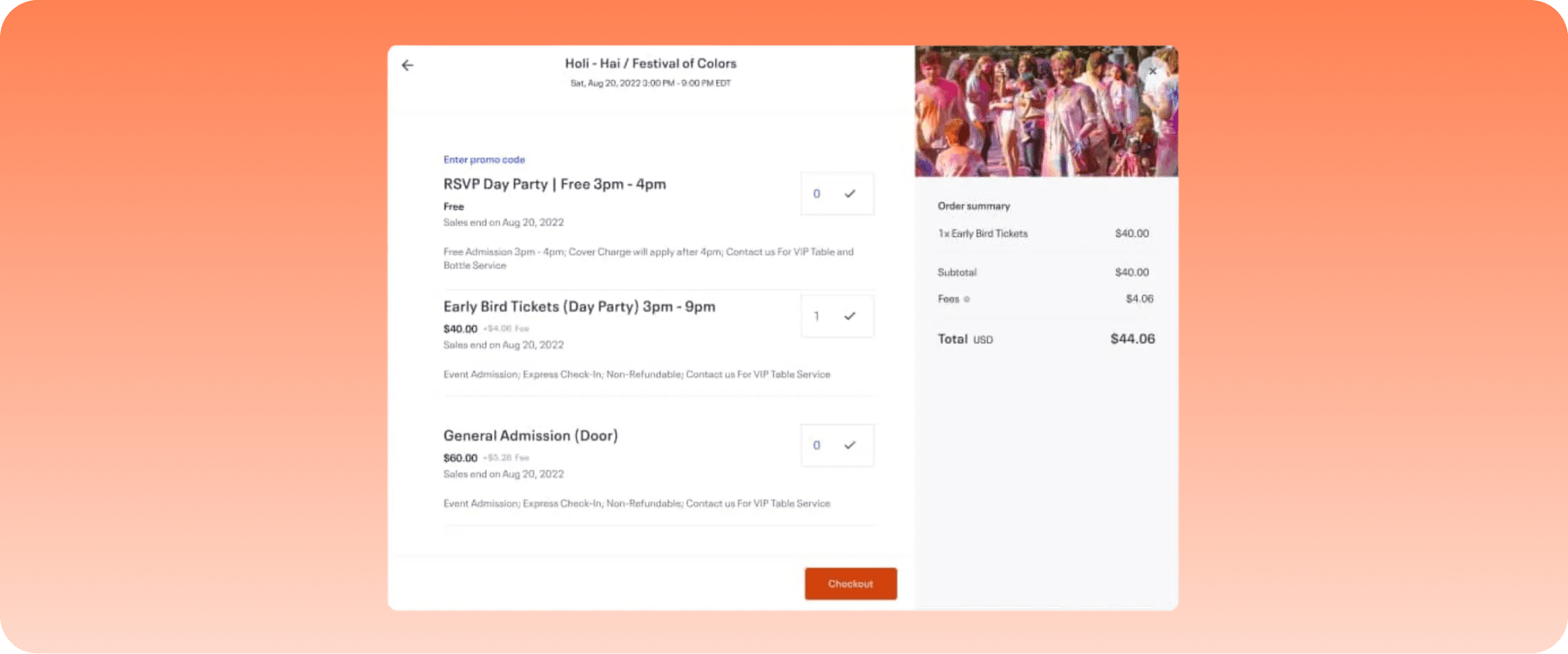
Eventbrite is one of the easiest tools to use for fast ticket sales. Built around event discovery, online ticketing, and promotion, it’s ideal if you’re organizing community events or workshops, especially for small-scale programs. However, its logistics features are limited for conferences or complex multi-track events.
Key features
- Ticketing and registration: Create event pages, sell tickets, manage registrations, and accept secure online payments easily.
- Event marketplace: Reach new audiences by listing your event on Eventbrite’s marketplace, where attendees can discover local and virtual events.
- Event promotion tools: Drive attendance with built-in email marketing, social media integrations, discount codes, and promotional offers.
Pricing
Eventbrite uses a pay-per-ticket pricing model. While there are no fees for free events, paid events cost 3.7% + $1.79 service fee per ticket and a 2.9% payment processing fee.
For wider reach, Eventbrite also offers the Pro plan, starting at $15/month, which allows up to 10,000 emails daily.
Pros
- Platform is easy to set up and use
- Large marketplace helps increase event visibility
- Flexible software pricing and ticketing
Cons
- Limited functionality for complex conferences and enterprise events
- Reporting is centered primarily on ticket sales and attendee registration
What users say
Eventbrite has a 4.3 G2 rating, with many reviews mentioning its simplicity and wide reach. However, one common criticism is that it’s better suited to ticketing and registration than to managing complex event operations.
11. Brella
Best for: Networking-focused conferences and exhibitions
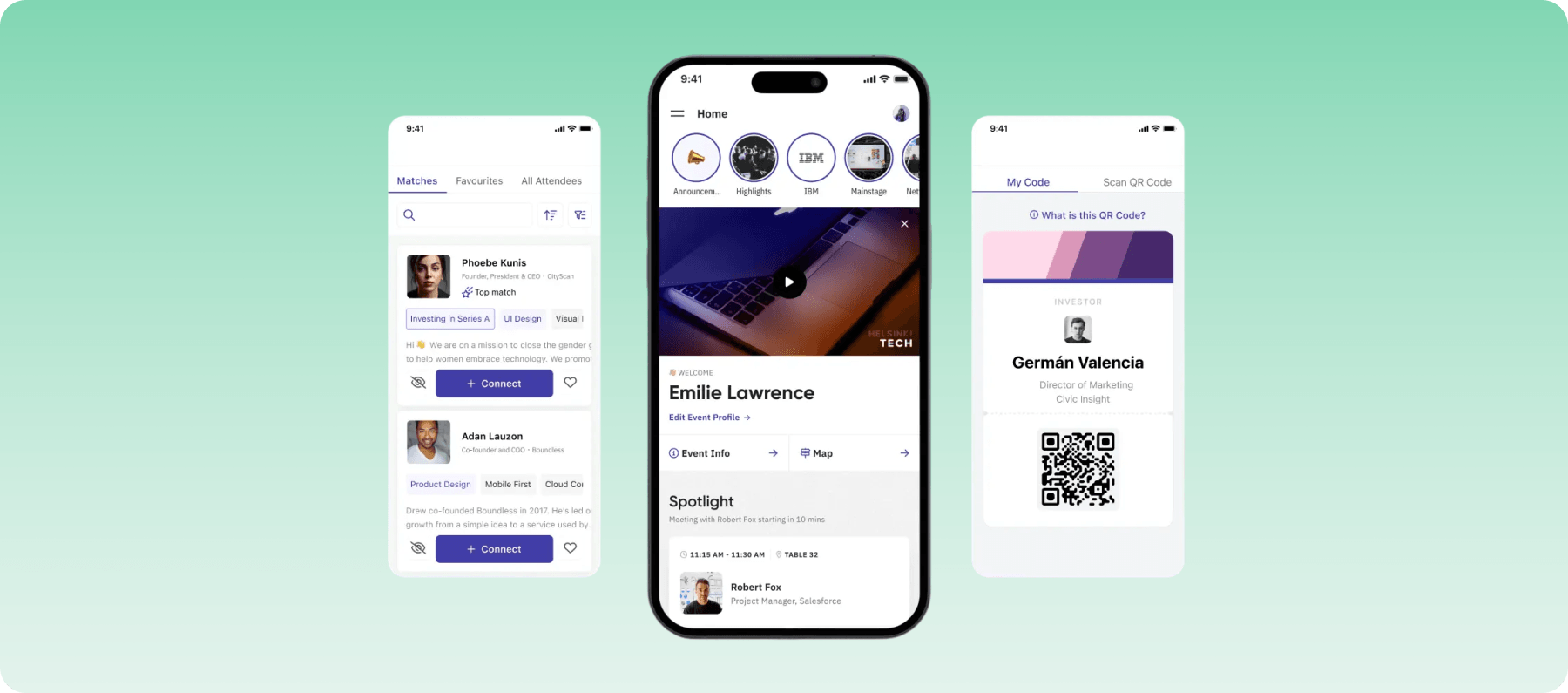
Brella’s focus is on helping attendees make connections. Rather than trying to be an all-purpose event platform, it prioritizes AI-powered matchmaking, networking, and meeting scheduling. It also supports registration, event apps, and hybrid delivery; however, teams may need to pair it with another platform for broader event administration.
Key features
- AI-powered matchmaking: Recommend relevant people, exhibitors, and sponsors based on attendees’ interests.
- Scheduling: Let attendees, exhibitors, and sponsors book one-on-one meetings through a built-in scheduling system that reduces back-and-forth coordination.
- Event app: View personalized agendas, speaker information, messaging, push notifications, and networking tools in the event app.
Pricing
Brella has no standard rates. Organizers receive custom pricing based on their event size and features.
Pros
- Excellent AI-powered networking and matchmaking
- Intuitive meeting scheduling for attendees and exhibitors
- Easy-to-use mobile app
Cons
- Onsite workflows may require additional event management system
- App interface can be cluttered for more complex events
What users say
Brella holds a 4.6 rating on G2. Reviews commend its networking functionality, but also highlight its limited functionality and occasionally clunky app interface.
12. EventCreate
Best for: Small businesses and simple events
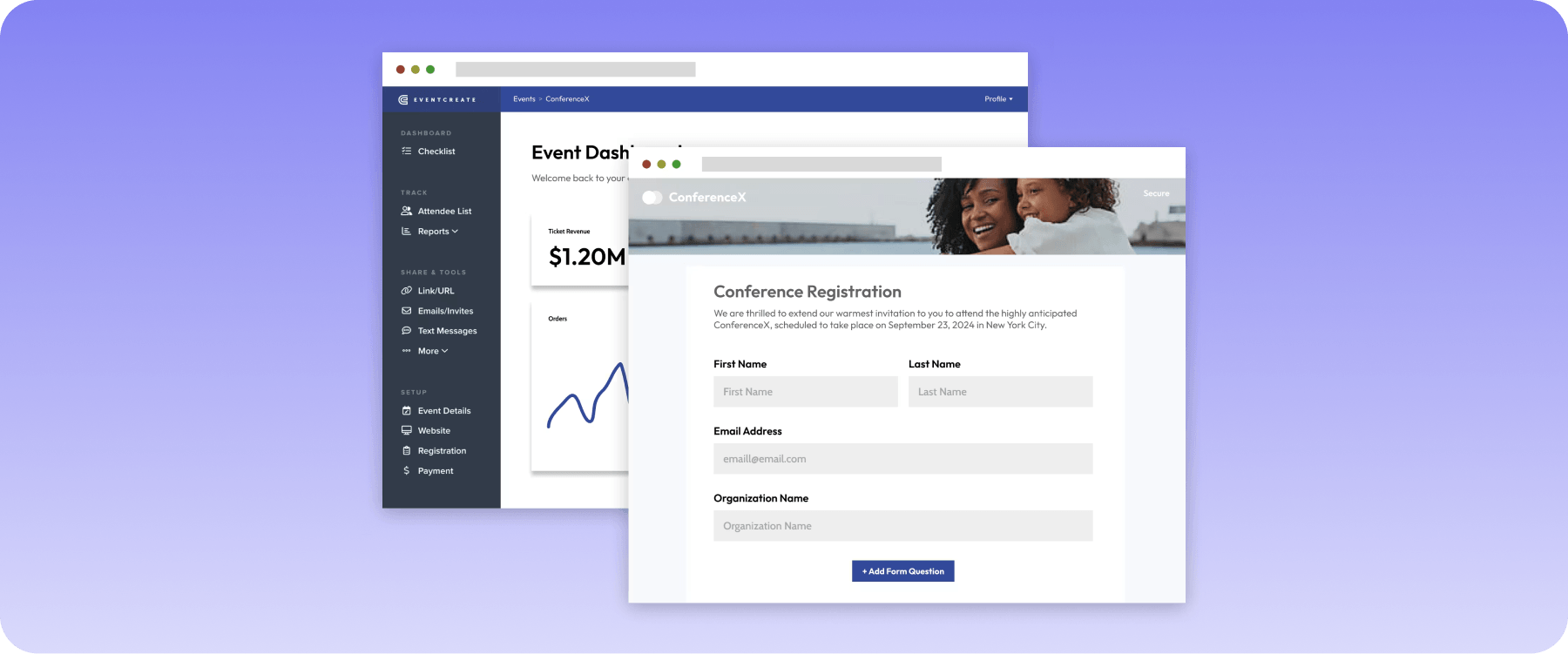
EventCreate gives you a simple website builder, ticketing, and registration management in one streamlined platform. It is a practical option for smaller teams that want to launch branded events quickly without coordinating several separate tools. Due to its limited integration ecosystem, organizations with more specialized workflows may find it less flexible than for broader event operations.
Key features
- Event website builder: Create branded event websites with customizable templates, drag-and-drop editing, and custom domains, no coding required.
- Registration and ticketing: Sell tickets, collect registrations, process payments, and manage attendees through a centralized dashboard.
- Check-in and event management: Streamline onsite operations with mobile check-in, QR code ticket scanning, attendee tracking, and reporting.
Pricing
EventCreate offers 10 tiered plans, with each supporting major operations like registration and ticketing, event marketing, website creation, onsite management, CRM integration, and reporting.
Some offers include:
- Free: Allows 1 event, 1 user, and 50 attendees per event
- Personal: Costs $5/month and allows unlimited events, 1 user, and 50 attendees per event
- Enterprise: Costs $500/month and allows unlimited events, 50 users, and 5000 attendees per event
Other plans cost from $10 to $250 per month, each stepping up the number of users and attendees per event. A custom plan with unlimited users and attendees is also available on request.
Pros
- Easy to set up, even for first-time organizers
- Attractive event website templates
- Practical website and ticketing tools for smaller teams
Cons
- Standard plans place limits on attendees and organizer users
- Fewer integrations than enterprise event management platforms
What users say
EventCreate holds a 4.9 rating on G2, with user feedback mostly revolving around its intuitive, easy setup and use, while a few mentioned customization issues and software glitches.
How we evaluated the best RegFox alternatives
To create this roundup, we focused on solutions that fit three key criteria:
- Solve complex event challenges: We looked for platforms that help teams move beyond registration-first software by supporting larger, more complex events while reducing the need for multiple disconnected tools.
- Support the full event lifecycle: We looked beyond feature lists to evaluate how well each platform handles the full event lifecycle. This includes registration and attendee engagement, website building, onsite operations, communication, marketing, cross-event reporting, integrations, and scalability.
- Deliver a strong overall experience: We also considered ease of use, customer reviews, and how well each platform serves the types of events and organisations it is designed for.
How to choose the best RegFox alternative
Not every platform on this list will suit your needs, and the wrong choice can add cost, duplicate work, and unnecessary complexity. Use these criteria to narrow your options before committing to a demo:
1. Identify the type and complexity of your event
Start by defining the kind of event you’re organizing and the corresponding features you’ll need. Clarify your event format, attendee volume, and whether you need onsite management alongside virtual or hybrid capability to avoid paying for unnecessary features.
2. Compare registration flexibility
RegFox’s appeal is its flexible registration builder, so any alternative should match or exceed that. Look for conditional logic, multiple attendee types, group registration, and payment processing that doesn’t require a third-party workaround.
3. Check integrations and automation
Your event platform should allow easy data transfer with your CRM, marketing tools, and finance systems. Confirm whether the software integrations are native and stable or dependent on third-party connectors that add cost and complexity. Also check for time-saving automations such as confirmations, reminders, waitlist management, and data syncing.
4. Assess scalability and reporting capabilities
As your events become larger and more complex, your platform’s features should be able to scale with you. Check for real-time dashboards, cross-event analytics that go beyond RegFox’s basic registration metrics, and reports that give stakeholders visibility without you manually pulling data.
5. Evaluate usability, support, and pricing
Compare the support available before and during live events, the usability of your most important workflows, and how each vendor structures its plans. Confirm what is included, which capabilities are optional, and how the contract aligns with your event volume and operating model.
EventsAir: The RegFox alternative for end-to-end event management
RegFox has good registration and check-in tools, but growing event teams need more. Switching to an end-to-end solution saves time and eliminates the need for multiple tools.
EventsAir connects all event management operations, from registration and attendee engagement to onsite management and event analytics, in one platform. Every module shares the same data layer, preventing manual syncing or duplicate entries.
Ready to streamline your event management and scale with confidence?
Book a demo with EventsAir today.
Frequently asked questions
1. What is the best RegFox alternative for conferences and large events?
EventsAir. It offers end-to-end management across registration, speaker management, exhibitor tools, onsite check-in, and reporting in one platform. Unlike RegFox, EventsAir can handle the full complexity of large-scale, multi-format events without requiring additional tools.
2. What’s the difference between an event registration platform and an all-in-one event management platform?
An event registration platform focuses primarily on attendee sign-up, ticketing, and payments. Meanwhile, an all-in-one platform like EventsAir covers the entire lifecycle, including speakers, exhibitors, sponsors, attendee engagement, onsite operations, and post-event analytics.
For example, registration data can automatically support attendee communications, personalized agendas, check-in, and reporting instead of being transferred manually.
3. What integrations should I look for in a RegFox alternative?
Prioritize native integrations with your CRM, marketing platform, and finance or accounting systems. Also confirm whether the platform connects with your email tools and any association management software your team already uses.
4. When should I upgrade from a registration-heavy platform?
If your team is regularly using separate tools for speaker management, attendee engagement, exhibitor tracking, or post-event reporting, that’s a clear sign your registration platform has reached its limits. At that point, compare the administrative effort, data handoffs, reporting gaps, and implementation requirements of your current stack against a broader event platform.
See EventsAir in action
Discover why 12,000+ event professionals trust EventsAir to deliver effortless events, every time.


.webp)


Ready to transform event chaos into clarity?
With EventsAir, you’ll move from chasing logistics to creating unforgettable moments. Plan faster, act with confidence, and deliver exceptional events. Discover what’s possible with a personalized demo today.