

Event App for Attendees & Organizers
Your event. In every attendee’s pocket.
The EventsAir Mobile Event App simplifies the onsite experience while giving attendees full control over how they engage, connect, and stay informed. Fully branded, deeply integrated, and designed to perform, this is your event in their hands.
POWERING 400,000+ EVENTS WORLDWIDE















Elevate the attendee experience
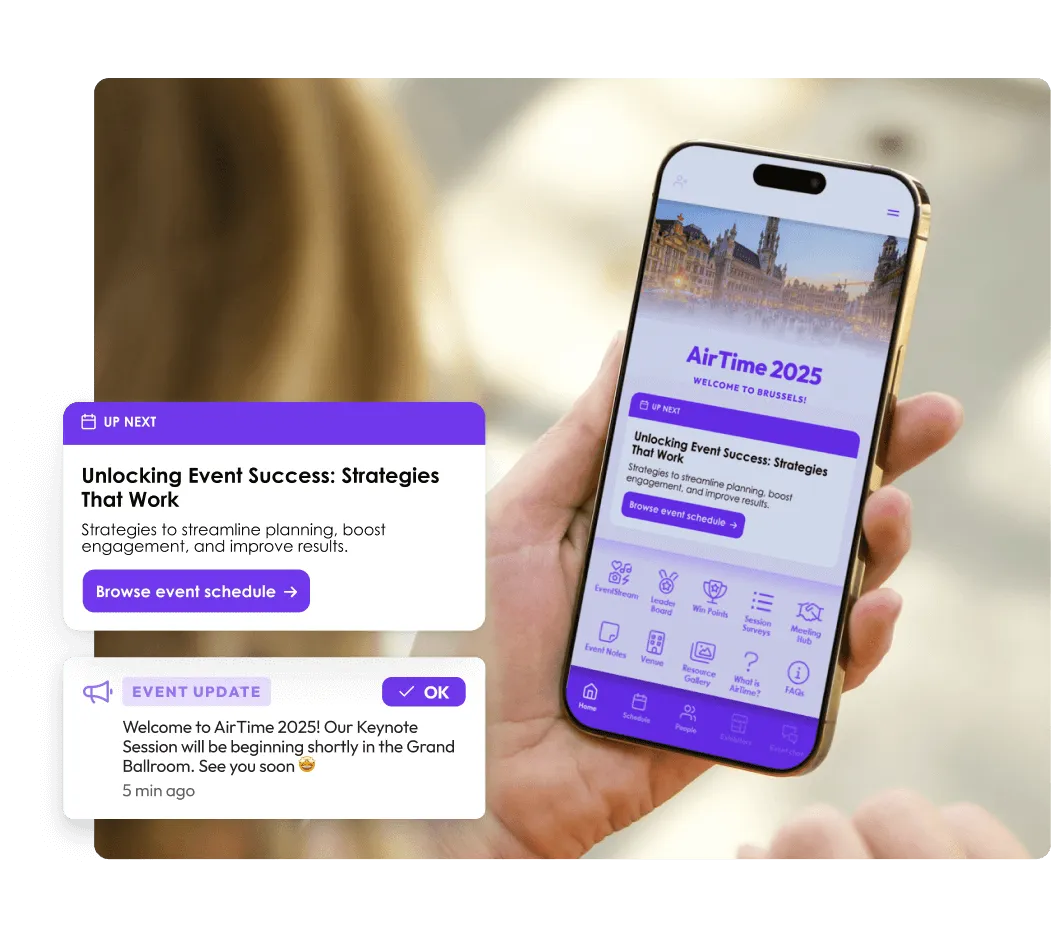
Help attendees move through your event with confidence. Our Mobile Event App simplifies everything from check-in and navigation to finding sessions and managing schedules.
A clean, intuitive layout reduces friction, while smart design choices keep the focus on what matters most: being present and prepared.
AI-powered attendee support
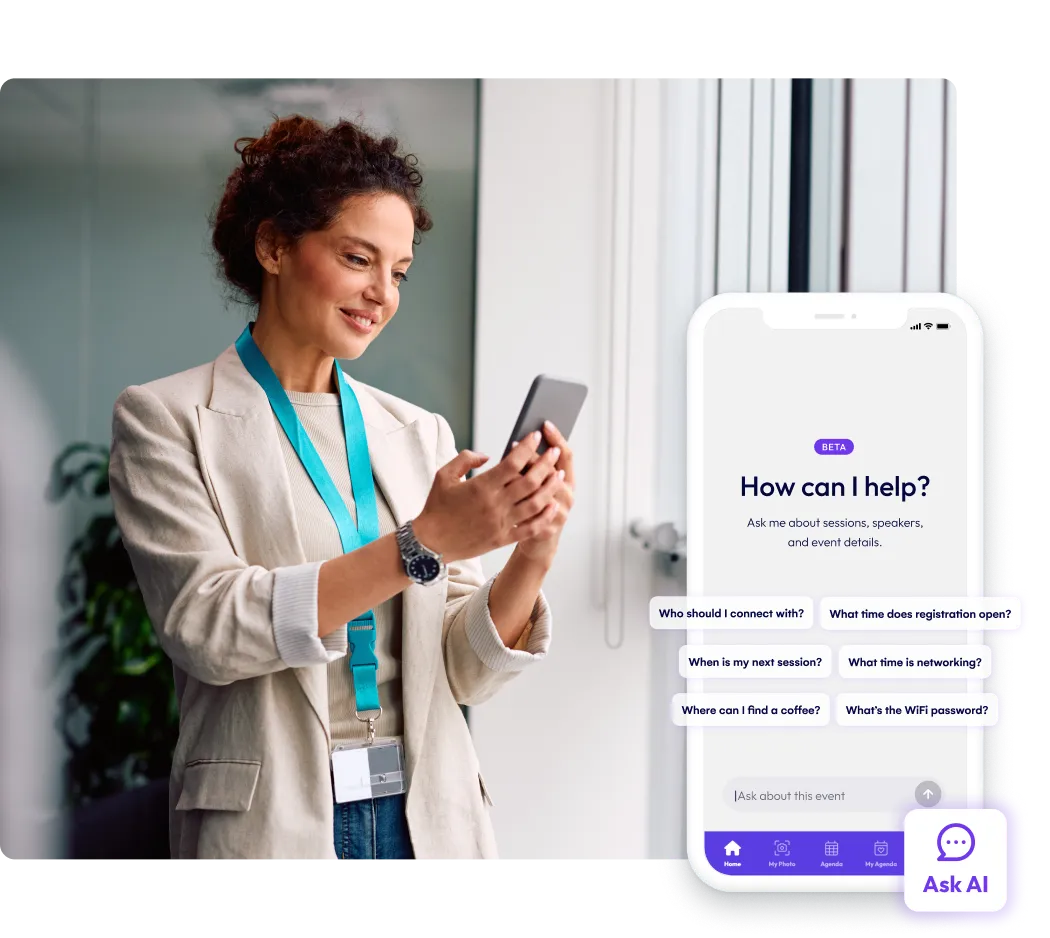
Built into your event app, Attendee Assistant acts as a conversational AI guide and helps attendees navigate the event, discover what's relevant to them, and stay engaged from check-in to close.
Attendees can ask questions, receive instant answers, and uncover relevant sessions, sponsors, and experiences — all with guidance that stays aligned to your latest event updates.
Everything synced, at all times
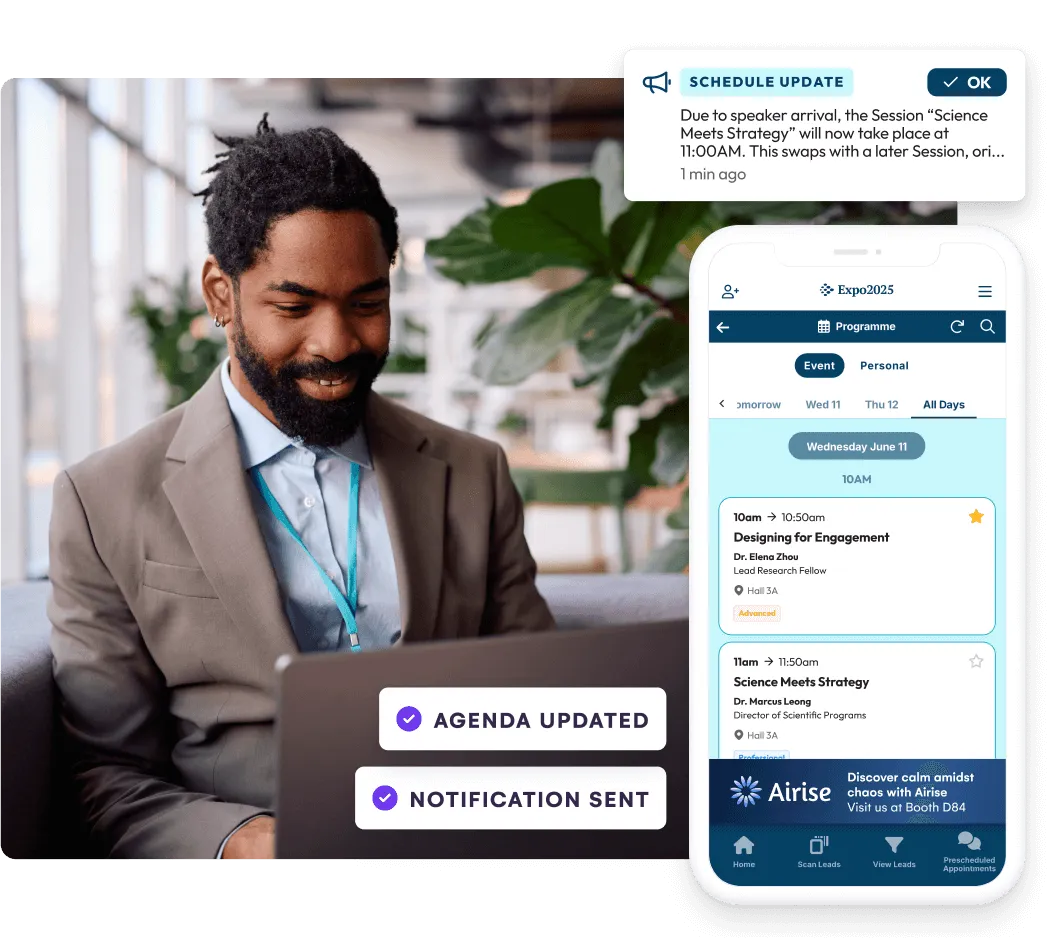
With EventsAir, every event update reflects in your live attendee app – no syncing delays or missed changes. Whether it's a speaker swap or room update, your attendees see it instantly.
The app also works beautifully across mobile, tablet, and desktop, with everything tailored to your event brand and needs.
Real-time attendee engagement
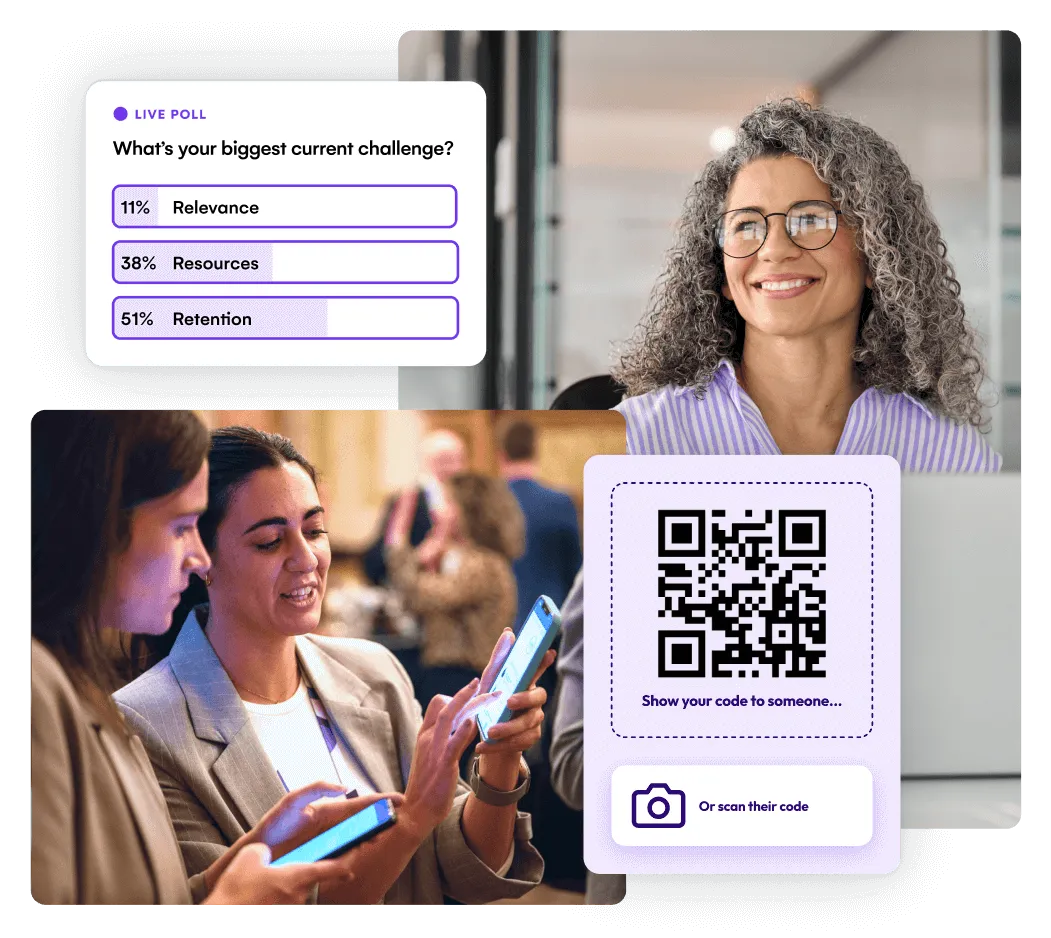
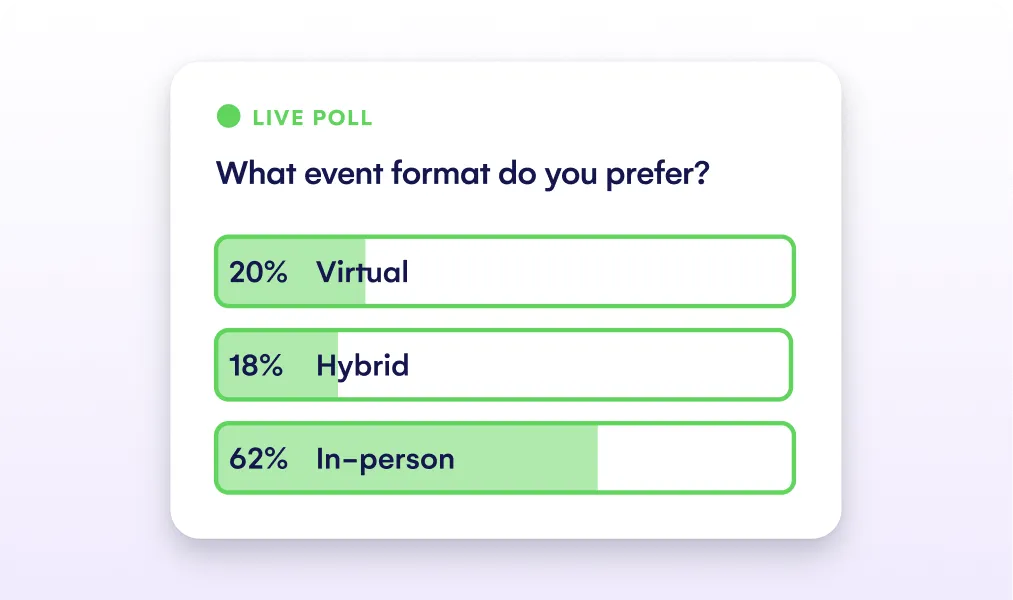
Drive deeper involvement at every stage of your event. Attendees can vote in live polls, submit questions, complete surveys, earn gamification points, and connect with peers, all in real time.
Every feature is designed to boost participation and deliver meaningful, measurable engagement.
Branded for your event
Customize your app with your brand’s imagery, colors, and content. Every interaction feels on-brand and professional.
Personalized schedules
Let attendees build, manage, and update their schedules in real time, with toggles for full agenda views or just their selected sessions.
Built-in networking tools
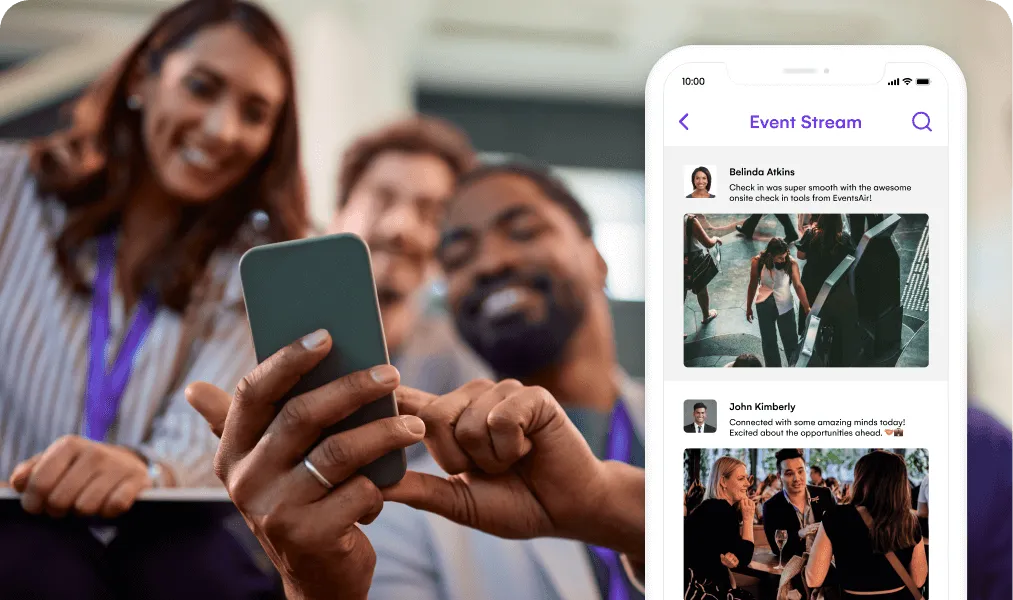
Attendees can scan contact QR codes, manage invites, and build instant connections, all through the dedicated Meeting Hub.
Smart notifications & updates
Push updates, alerts, and last-minute changes directly to your attendees, keeping everyone aligned, wherever they are.
Amplify sponsor visibility
Offer sponsors high-impact exposure with wide-format banner ads placed consistently across the app.
Designed for every device
Fully responsive and mobile-first, the app adapts seamlessly across phones, tablets, and laptops, with full support for CSS styling.
“EventsAir provides us with a lot of flexibility in its use. What is fantastic is the ability to customize so much whilst also ensuring everything is linked together and synchronized.”

An Organizer App for your control
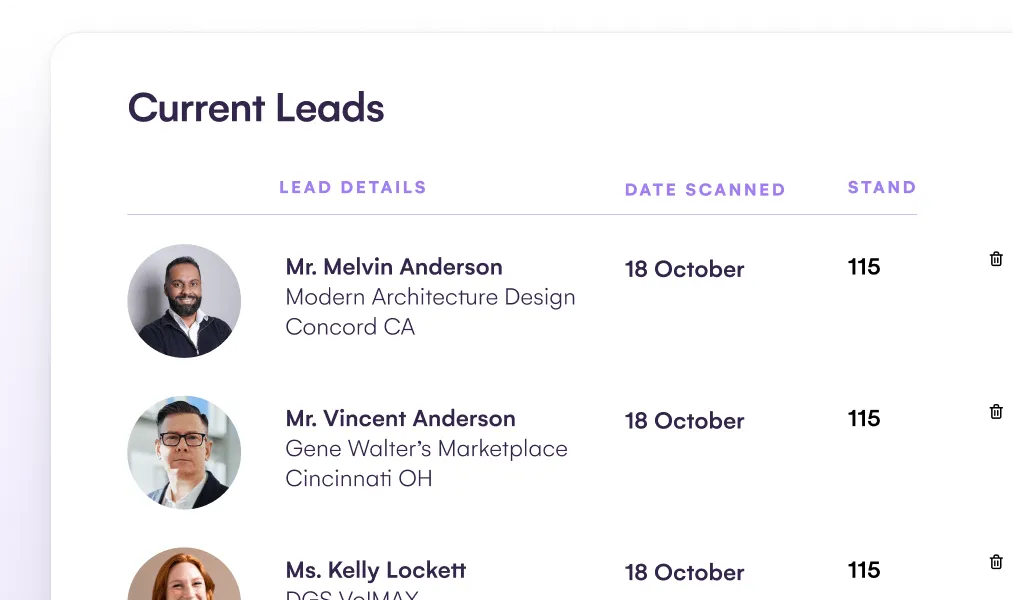
Designed for on-the-go delivery, the Organizer App gives your team real-time access to 20+ tools from the EventsAir platform to manage check-ins, track agendas, send alerts, update run sheets, and more.
Event management tools for every event, big or small.
Custom event apps are just the start. See what else you can achieve with EventsAir.
Your mobile event app FAQs
Our event apps are compatible with both Apple and Android devices. Attendees and organizers can access the app on their smartphones and tablets, ensuring flexibility and convenience.
EventsAir offers two powerful custom mobile apps: the Attendee App and the Organizer App.
The Attendee App provides an immersive and engaging experience for both in-person and virtual attendees, featuring networking, gamification,meeting matching, and more.
The Organizer App offers key event management features, enabling organizers to manage their event onsite or remotely with over 20 core tools, ensuring smooth and efficient event operations.
The EventsAir event apps are included as part of the EventsAir event management platform at no additional cost. This means you can offer a custom-branded, feature-rich app to your attendees and organizers without blowing your budget.
Attendee Assistant brings AI-powered support into the EventsAir mobile app, giving attendees a faster, easier way to find answers, explore event information, and navigate their experience in real time. Powered by Air Intelligence, it helps attendees feel more supported while reducing common questions for your event team.
The EventsAir app includes live engagement features such as live polling and live Q&A. During sessions, attendees can participate in live polls by selecting their answers directly within the app. For live Q&A, they can submit their questions through the app, which presenters can then address in real-time, making the sessions interactive and engaging.
Logging in to the EventsAir app is easy. Once attendees have downloaded the app, they will need to enter the event-specific login credentials provided by the event organizer. These may include a unique code or a direct link sent to their email.
Of course! The EventsAir app supports both virtual and hybrid events. It provides immersive experiences for in-person and virtual attendees alike, including features such as networking, gamification, meeting matching, and more.
Yes, attendees can provide feedback on sessions directly through the EventsAir Attendee App. After attending a session, they can use the app to rate the session, leave comments, and provide valuable feedback to the organizers.
Yes, attendees can customize their event schedule within the event app. The app allows them to personalize their agenda, add sessions to their schedule, and receive reminders for upcoming activities, ensuring they don’t miss any important sessions.

Ready to transform event chaos into clarity?
With EventsAir, you’ll move from chasing logistics to creating unforgettable moments. Plan faster, act with confidence, and deliver exceptional events. Discover what’s possible with a personalized demo today.